
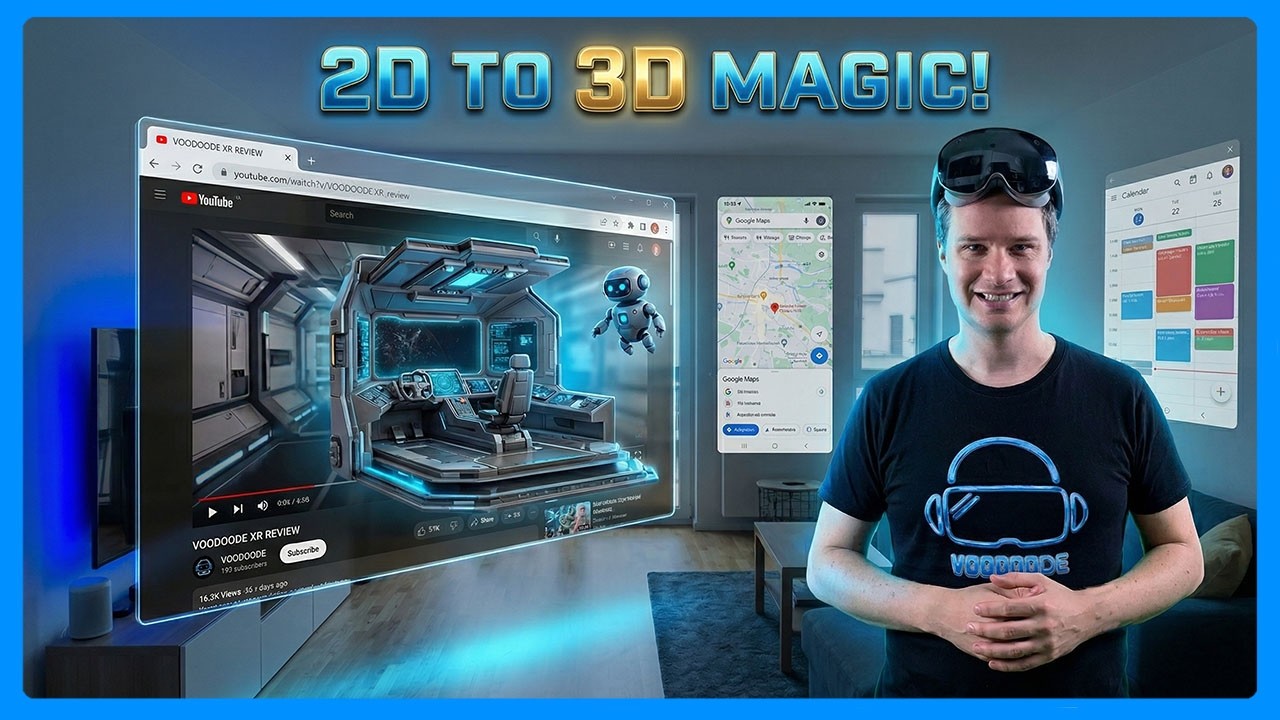
Google shipped a major update to Android XR in April that solves one of spatial computing's most persistent problems. The feature is called auto-spatialization, and it does exactly what the name suggests: it takes any 2D app, website, image, or video and converts it into a 3D spatial experience with a single button press. No developer work required. No special SDK integration. The system handles everything at the OS level.
XrApril 15, 2026
Google Just Made Every 2D App Work in 3D. Here's How Android XR Auto-Spatialization Changes Everything.
By Jordan Kuo
Staff Writer, VR.org
Advertisement
This is a bigger deal than it might sound.
The content gap problem
Every spatial computing platform faces the same chicken-and-egg challenge. Users want immersive apps, but developers will not build them until the install base justifies the investment. The install base will not grow until there are enough apps to justify buying the hardware. Apple tried to solve this with visionOS by making iPad apps run in a floating window. It worked, but those apps still felt flat. They were 2D rectangles in a 3D space.
Google's approach is more ambitious. Auto-spatialization does not just run a 2D app in a window. It parses the content, identifies background separation, depth layers, and foreground elements, then reconstructs the experience with actual spatial depth. The system works best with passive media like videos, photos, and web pages, where the depth extraction produces convincing results. Interactive content like games is less effective, but for the majority of daily app usage, browsing, media consumption, reading, the conversion is meaningful.
Users can enable it through the Labs tab under Advanced features in Settings on the Samsung Galaxy XR. It is experimental, but the fact that Google shipped it as a system-level feature rather than a developer API tells you where they think spatial computing needs to go. The platform should make everything spatial by default, not wait for individual developers to rebuild their apps.
Enterprise is the real story
The auto-spatialization feature grabbed headlines, but the enterprise additions in this update may have larger long-term implications. Android Enterprise support is now live on Galaxy XR, which means IT departments can deploy XR headsets the same way they deploy Android phones and tablets.
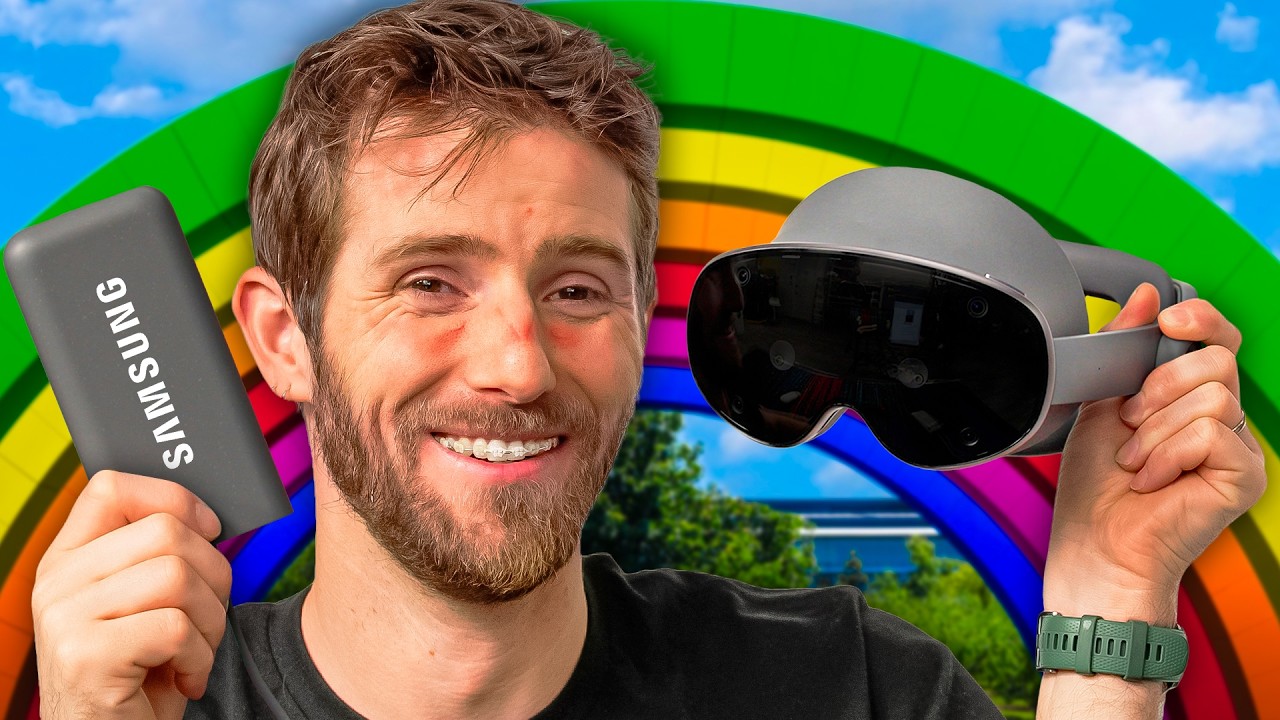
The specifics matter here. Organizations can use Android zero-touch enrollment, QR code setup, and Device Policy Controller provisioning for large-scale deployments. Managed Google Play handles app distribution and updates. Google is working with ArborXR, ManageXR, Microsoft Intune, Omnissa Workspace ONE, Samsung Knox Manage, and SOTI for enterprise device management. Samsung committed to five years of software and security updates.
That last detail is critical for enterprise adoption. Healthcare systems, manufacturing companies, and retail chains do not invest in hardware that loses support in two years. Five years of guaranteed updates puts Galaxy XR on the same lifecycle as enterprise tablets and phones.
The developer angle
For developers already building Android apps, Google's Jetpack Compose for XR lets them extend existing applications into 3D using familiar Compose patterns. You do not have to rewrite your app from scratch. You can add spatial elements incrementally, which dramatically lowers the barrier to XR development for the millions of Android developers already in the ecosystem.
The April update also expanded the Galaxy XR app library to over 100 XR-optimized apps, more than double what was available at launch. Hand tracking now covers 26 joints per hand for natural gesture input, and developers can create custom gestures using ARCore for Jetpack XR. Real hand visibility in passthrough mode means users see their actual hands rather than simplified cursor representations.
What this means for the platform race
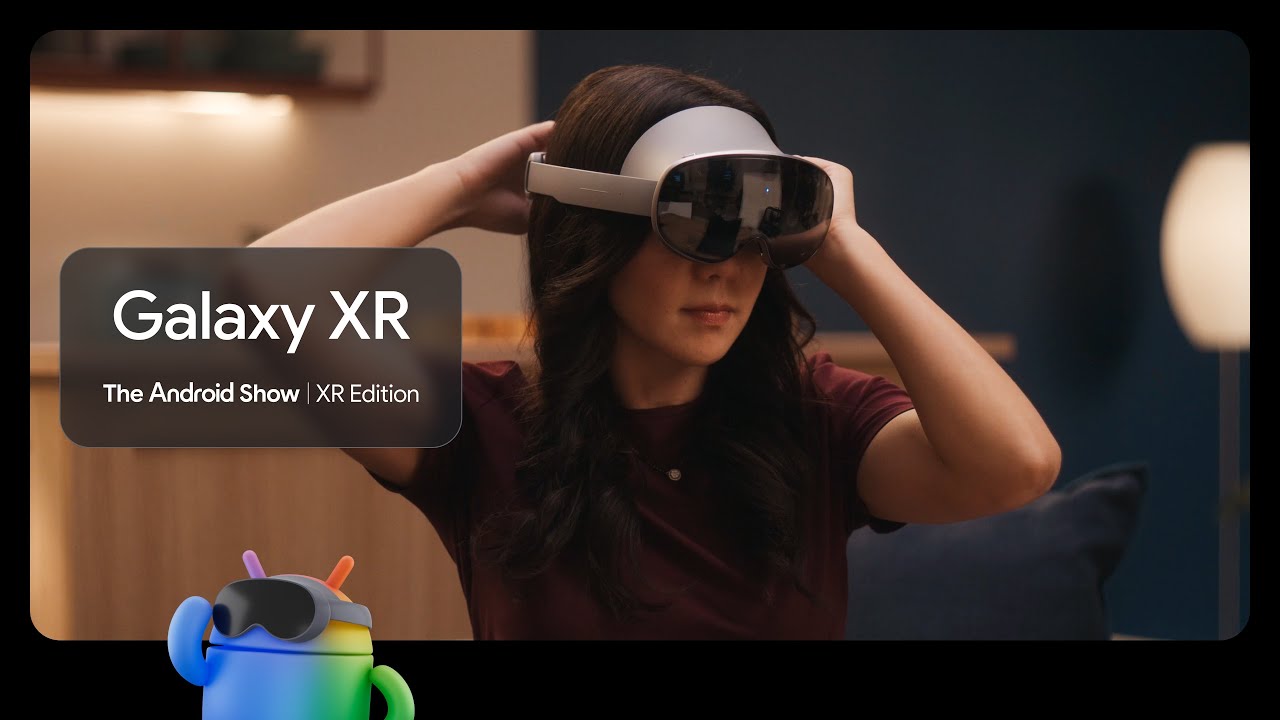
Apple's visionOS takes a curated, premium approach. Meta's Horizon OS controls the ecosystem end to end. Google's strategy with Android XR is to do what Android always does: make the technology accessible, open, and scalable across multiple hardware partners.
Auto-spatialization is the most tangible expression of that philosophy. Instead of waiting for a perfect spatial app ecosystem to emerge organically, Google is converting the existing one. It is an imperfect solution. Not every 2D app will look great in 3D. But it means that from day one, every Galaxy XR user has access to the entire Android app library in some spatial form. That is a meaningful advantage over platforms where the spatial app count is still in the hundreds.
Combined with enterprise support, five-year update commitments, and a developer framework that meets Android developers where they already are, Google is positioning Android XR as the spatial computing platform for the mass market. Whether that vision lands depends on hardware adoption and developer follow-through. But the software foundation is now in place.
Advertisement