
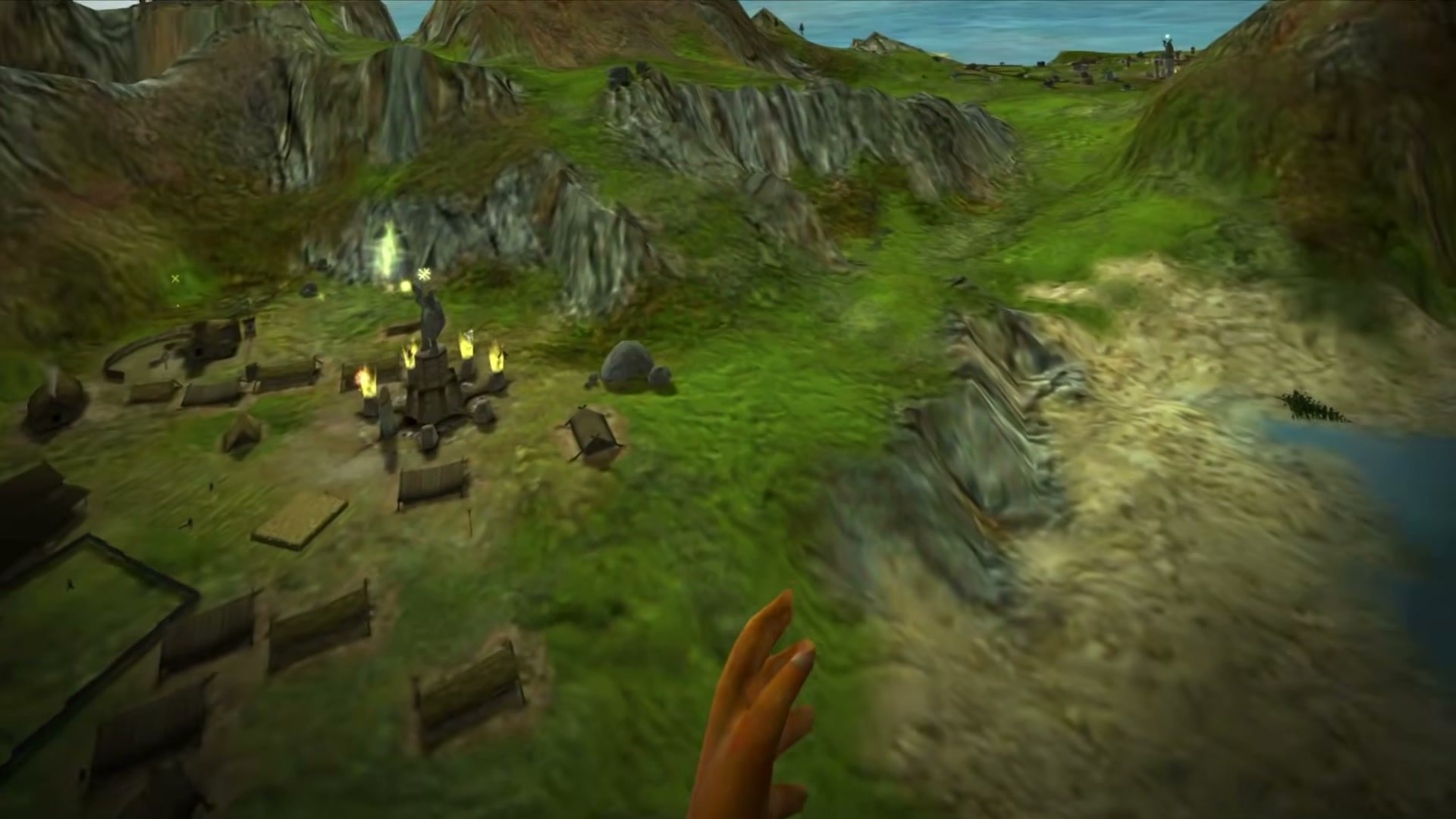
I played Black & White on PC, and what stuck with me was the Hand. Lionhead built the entire game around it. No icon bar, no build menu, just a huge disembodied god hand that you dragged across the islands with a mouse to pick up villagers, fling rocks, pour miracles and slap your Creature for eating somebody. The game came out in March 2001. It was a VR game fifteen years before the first consumer headsets shipped.
GamingNovember 22, 2026
Black & White Has Two VR Mods Now, and Both Need the Old CD
By Evan Marcus
Co-Founder, VR.org
Black & White VR at a glanceChecked Nov 22, 2026
- PriceFree modNeeds your own PC copy of Black & White (2001)
- Version1.3.0The third public alpha, out November 21
- The gameDisc onlyNo store sells it. The Steam listing is a different game
- HeadsetsPC VRTested on a Quest 3 through Virtual Desktop
- Steam FrameExperimentalA separate add-on under Proton, not a tested route
- Heads upUnsigned installerMIT source on GitHub. Check the SHA-256 first
- Made by Buck
- MIT license
- Spell book
- Fly or walk
- Original physics option
- Second mod by Jakeypoo
Where to get it
Both mods are free and ship none of the game. You need your own PC copy of Black & White (2001), which no store sells, and the "Black & White" on Steam is a different 2023 game. Windows will warn you before either installer runs, because neither is signed.
Advertisement
Two modders have now done something about that. On Saturday, November 21, Buck released version 1.3 of the Black & White VR Mod, with a spell book you hold in your left hand, a way to fly, and throws that finally behave like throws. A second, separate project, Jakeypoo's Black & White VR, posted its first build on November 2. Both are free. Both put your real hands where the Hand used to be. Neither can sell you the one thing it needs, because nobody does. No store sells the game.
What 1.3 adds
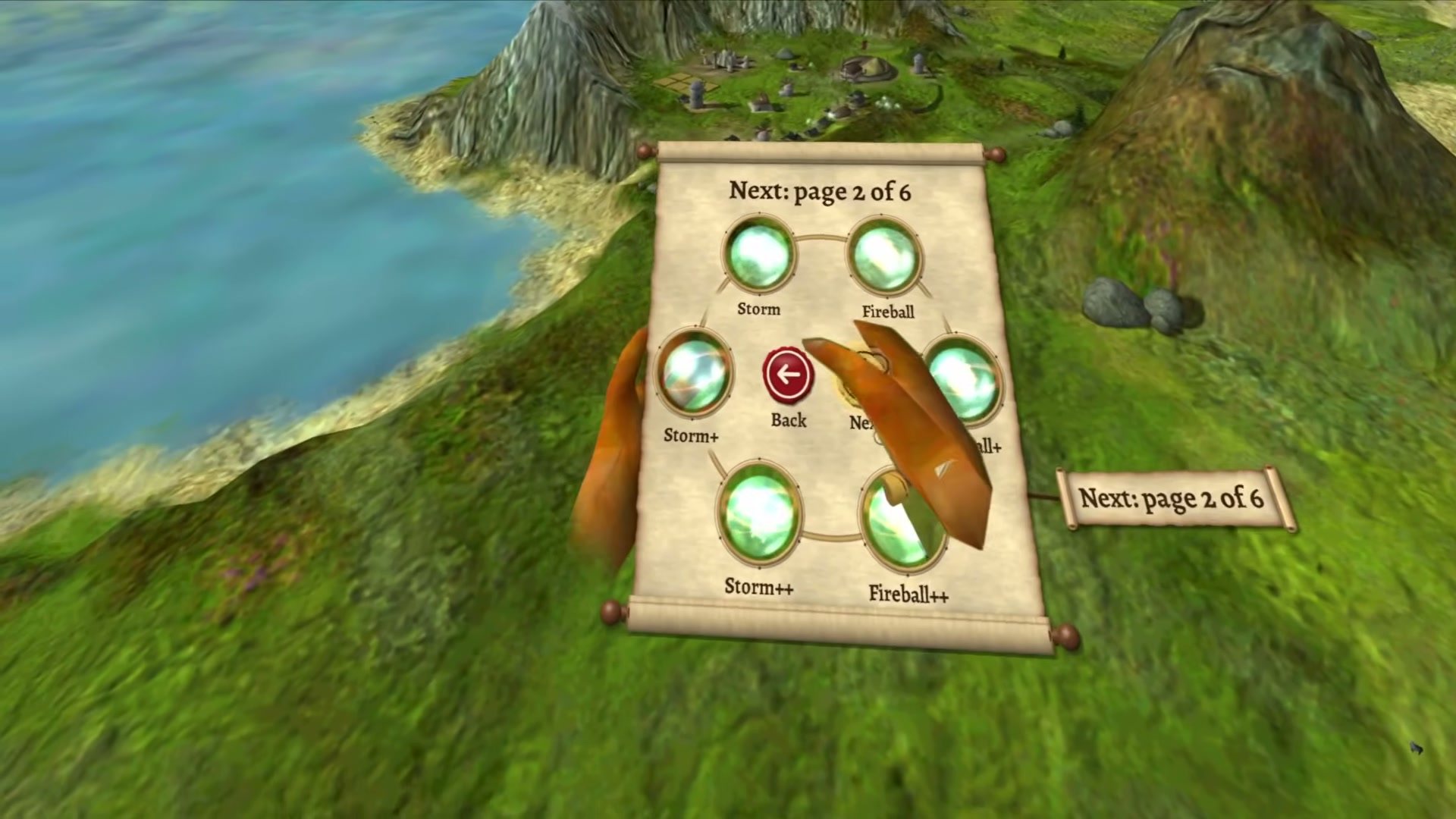
Buck's release notes call it "the third public alpha," and the list is long. The headline is the spell book. Tap B on the right controller or X on the left, and a parchment scroll unrolls over your left hand with every miracle your Worship Sites can give you sitting in it as a glowing orb. Close your grip on one and pull. At 20 cm it snaps into your Hand. Drawing the gestures in the air still works, now with a gold trail behind your fingertip, and turning your left palm up shows you the shapes.
Movement got a Fly mode that goes wherever you look or point, up and down included, and you can now zoom in far enough to stand among your own villagers at their height. Smooth turning has four speeds. There is a comfort vignette too, off by default. Smooth movement starts to turn my stomach fast, so that vignette is the first setting I would touch.
Throwing changed the most. Each throw, in the notes' words, "flies like a light ball that you throw in your room," at every zoom level, so the same flick of the wrist sends a rock farther when you have zoomed out over the whole island. Objects leave your hand one frame after you open it. Anybody who misses the floaty physics of the original can switch them back with a launcher setting called Physics.
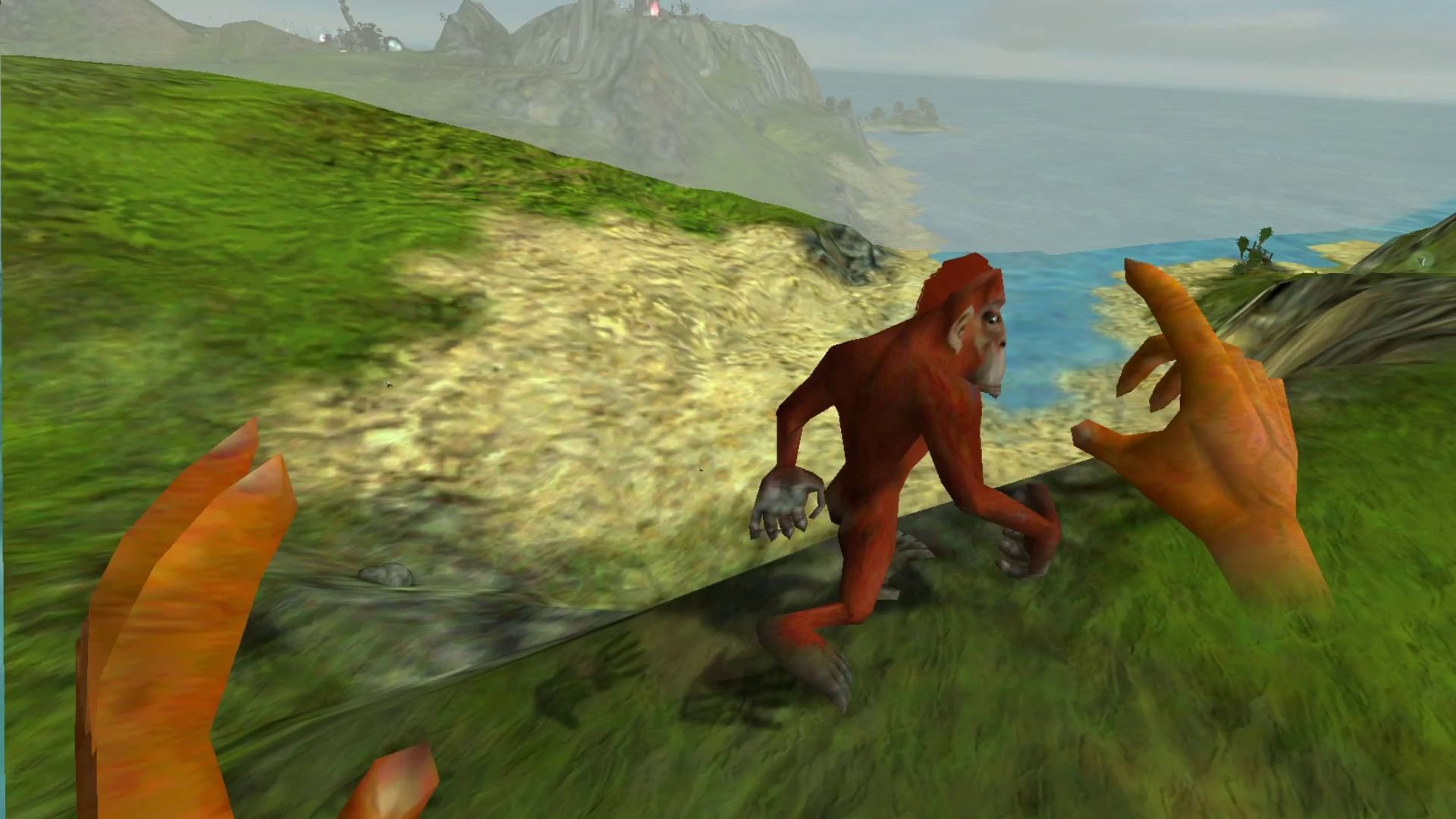
The small stuff adds up. Your Creature now looks at your actual head. The controller purrs while you stroke it and gives a heartbeat while you hold anything alive. There is a parchment keyboard for naming saves, a Controls page where any job can move to another button on the same controller, 4x anti-aliasing by default on the Vulkan renderer, and a launcher option that lets the 2001 executable use 4 GB of memory. That option sets one flag in runblack.exe and keeps a copy of the original, which the uninstaller puts back.
And the honest line, from the same notes: "Some testers still get crashes, up to two a day. Save often." The only setup a person has tested is a Quest 3 through Virtual Desktop.
Steam Frame, with an asterisk
Since 1.2.0 on October 20, every release has also carried a small Steam Frame add-on. It runs the 32-bit game under Proton on the Frame's ARM chip and hands the VR side to a separate 64-bit helper program. Buck's Frame instructions say stereo and controller input work, call the whole thing experimental, warn that performance "can be below the headset refresh rate," and assume you already have a working Proton launcher for the game, which the add-on does not set up for you. Worth following. Not worth a weekend yet.
Two mods, a month apart
Buck got there first. A preview video went up on October 7 and the first public build the next morning, and the project now sits in its own GitHub organization under an MIT license with the full source code in the open. It speaks OpenXR, which is why Virtual Desktop and SteamVR both work. The README puts the pitch in one sentence: "This is a mod for the real game, not a remake: the villagers, the Creature, the quests and the advisors are the game's own, and you play with motion controllers." Buck takes tips on Ko-fi. That is the whole business model.
Advertisement
Jakeypoo's version showed up on November 2 and shipped eight builds in its first twelve days, through 0.3.1 on November 14. It uses Valve's OpenVR, so it needs SteamVR, and it was developed on a Valve Index. Where Buck has you patch the game yourself, Jakeypoo's installer does it for you. It finds your Black & White folder, offers to download the 1.20 patch and the fan-made 1.42 patch from the bwgame.net community site, backs up your saves and every file it touches, and keeps itself up to date. The feature list overlaps Buck's in places: gravity gloves, a bird's-eye teleport, gestures traced with a fingertip, a Creature you can feed by hand and lead on a leash.
What decides it for me is what you can see. Buck's code is public. Jakeypoo's GitHub repository holds a readme, the project's website and the release files, with no source code and no license, and its newest installer asks whether it may count your launches (only a random number and the version numbers, sent only if you say yes, per its notes). Neither installer is code-signed, so Windows will warn you about both, and GitHub lists a SHA-256 checksum beside every download on both release pages. I would start with Buck's. Anybody on an Index who wants the installer to do the patching has a real reason to pick the other one.
The game nobody sells
The catch is in both READMEs. Buck's says: "No store sells Black & White today, so you must find a copy yourself, for example the original CD." Jakeypoo's site asks for the English CD version.
EA published Black & White in 2001. Microsoft bought Lionhead in 2006 and closed the studio in 2016, and EA kept the publishing rights. The game has never been re-released. It is not on GOG. There is a "Black & White" on Steam, for $14.99, and it is a different game entirely, a 2023 release from a studio called ZerocreationGame. Do not buy it by accident.
So the legal way in is a physical copy you own. Search for the game and abandonware sites will offer to hand you the whole thing. It is still somebody's copyrighted game. Both mods are careful to ship none of its files, and we are not linking any of those sites either.
This is the part that bugs me. I care about old games staying playable, and here the whole thing runs backwards: two fans built VR versions of one of the most VR-shaped games ever made, for free, within a month of each other, and the companies holding the rights do not sell the game it runs on. I wrote yesterday that mods are not a sign of VR decaying. This is what they look like when they are also doing the preservation work. One store listing would fix it.
How to play it
What you need: Black & White (2001) for PC on your own disc, the first game and not Creature Isle or Black & White 2, plus a Windows PC, a PC VR headset with controllers, and Virtual Desktop or SteamVR 2.17 or later. The mod is free. These steps are for Buck's mod and come from its README. I have not run them myself.
- Install the game into a plain folder. Something like C:\Black & White, from your own disc.
- Patch it to 1.42, in order. Apply the official 1.10 and 1.20 patches, then the unofficial 1.42 patch, from the links in the README. Install nothing else: no 1.30 patch, no Creature Isle, no widescreen fix, no other ddraw.dll or graphics wrapper.
- Run the game once without the mod. Make sure it reaches the menu, then quit. If it will not start on a modern Windows, the README links a community guide for that.
- Download the installer from the releases page. Take only the Setup .exe from the newest release. GitHub shows its SHA-256 next to the file, so compare that with PowerShell's Get-FileHash before you run it. Windows will say the file has no signature: choose More info, then Run anyway.
- Use a 32-bit OpenXR runtime. In Virtual Desktop, set the Streamer's OpenXR runtime to VDXR and turn Synchronous Spacewarp off in the headset. Or make SteamVR 2.17 or later your OpenXR runtime.
- Launch from the mod's shortcut. Open "Black & White VR Mod" and choose Play in VR. On a new game, pick "Skip straight to the Creature select," since the tutorial was built for a mouse and keyboard.
Hold the left stick click for a second, or press F11 on the keyboard, if the world is not in front of you. If the frame rate drops, the 1.3 notes say to set Anti-aliasing to 2x or Off in the launcher. To update, run a newer installer over the old one. Crashes go to the project's GitHub issues with the bwvr.log file from your game folder.
Jakeypoo's route is shorter if you are on SteamVR: run the installer from its releases page and it handles the patching. Same disc, same unsigned warning. Buck's README says to install no other graphics wrapper beside the mod, so keep the two in separate copies of the game rather than stacking them. Both projects, and the rest of the scene, are on our VR mods hub.
Lionhead spent three years building a game with no icons on the screen. It took a headset, and two people on GitHub, to get rid of the mouse too.
Advertisement