
Best VR Mods 2026: Free Ways to Play Flat Games in VR
Last updated: November 4, 2026 · 12 mods, re-checked every two weeks
VR mods are free community projects that put games built for a flat screen into a VR headset, or let a headset run games it was never meant to. Every mod below is free and needs your own copy of the game. Each one lists what you need, the steps to get it running, and a difficulty rating, from Easy, which means install it from Steam and press play, to Project, which means sideloading and your own game files.
Quick picks
| Mod | You need | Difficulty |
|---|---|---|
| Half-Life 2: VR Mod | Half-Life 2 ($9.99) | Easy |
| Gunman Contracts (Half-Life: Alyx mod) | Half-Life: Alyx ($59.99) | Easy |
| Titanfall 2 VR | Titanfall 2 ($29.99, often on sale) and the EA app | Some setup |
| Diablo II: Resurrected VR (D2R VR) | Diablo II: Resurrected ($39.99), offline only | Some setup |
| BetterVR (Breath of the Wild) | Your own Wii U copy of Breath of the Wild | Some setup |
| Gears of War: E-Day VR Mod | Gears of War: E-Day on Steam ($69.99) | Some setup |
| Multiverse VR Hub (Mario Kart 64 and more) | Your own copies of the games | Some setup |
| UEVR (Unreal Engine games) | An Unreal Engine 4 or 5 game; results vary | Some setup |
| Venture (Quest games on PC VR) | The Quest games your Meta account owns | Some setup |
| AstroQuest (Astro Bot Rescue Mission) | Your own PS4 dump of the game | Project |
| WinlatorXR (Windows games on Quest) | The PC games on your own account | Project |
| AVP Play (Quest games on Vision Pro) | A Mac, an Apple developer account and the games | Project |
Easy: Install from Steam and press play. Some setup: An installer and a few settings. Project: Sideloading or your own game files; plan an evening.
Every mod below has its install steps as a checklist. Tick them off as you go; your progress stays on this device, so you can follow along on your phone at the PC.
PC VR mods
These run on a Windows PC with a PC VR headset. A Quest works as that headset over Link, Air Link, Steam Link or Virtual Desktop.
PC VR
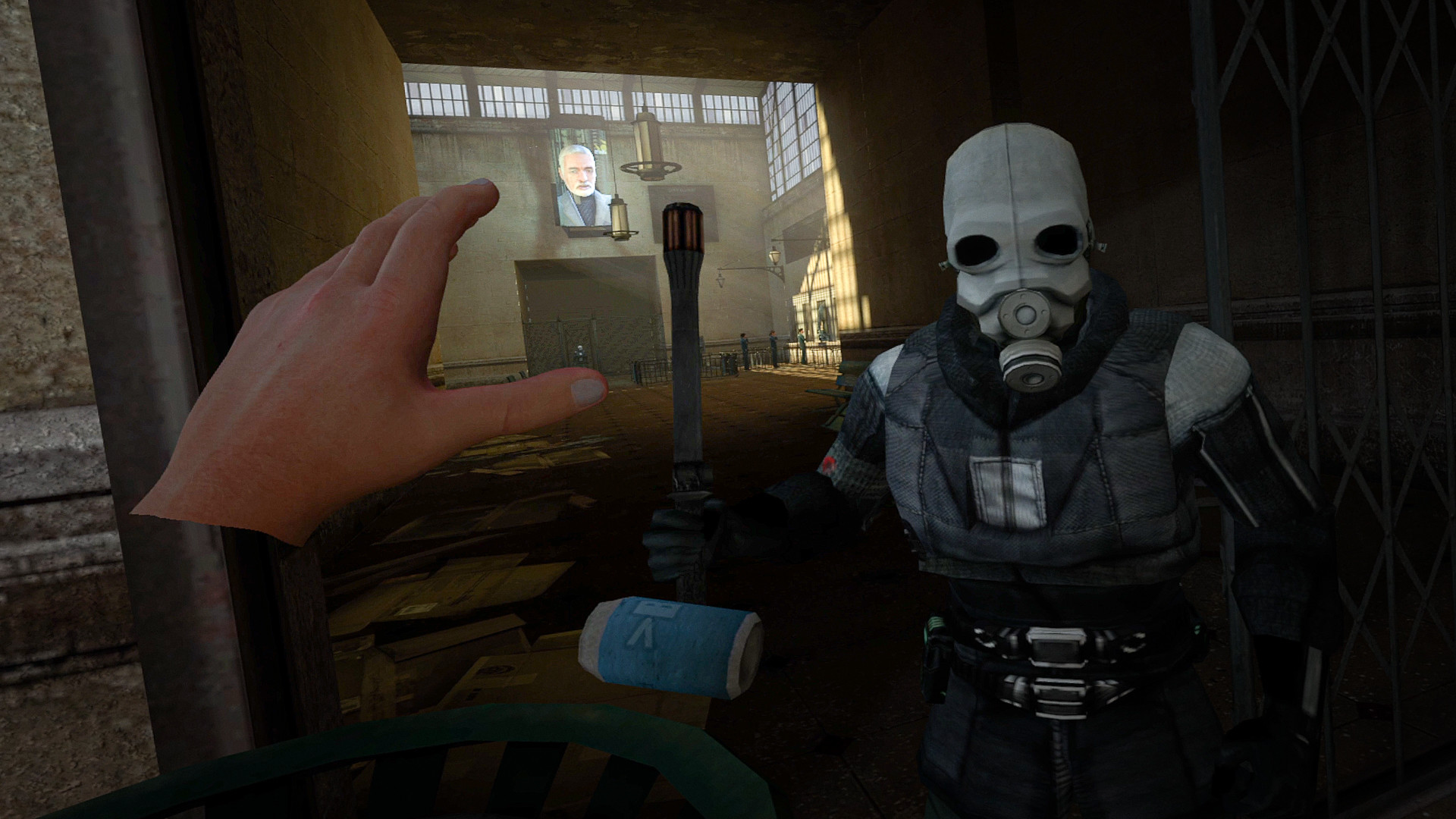
Half-Life 2: VR Mod →
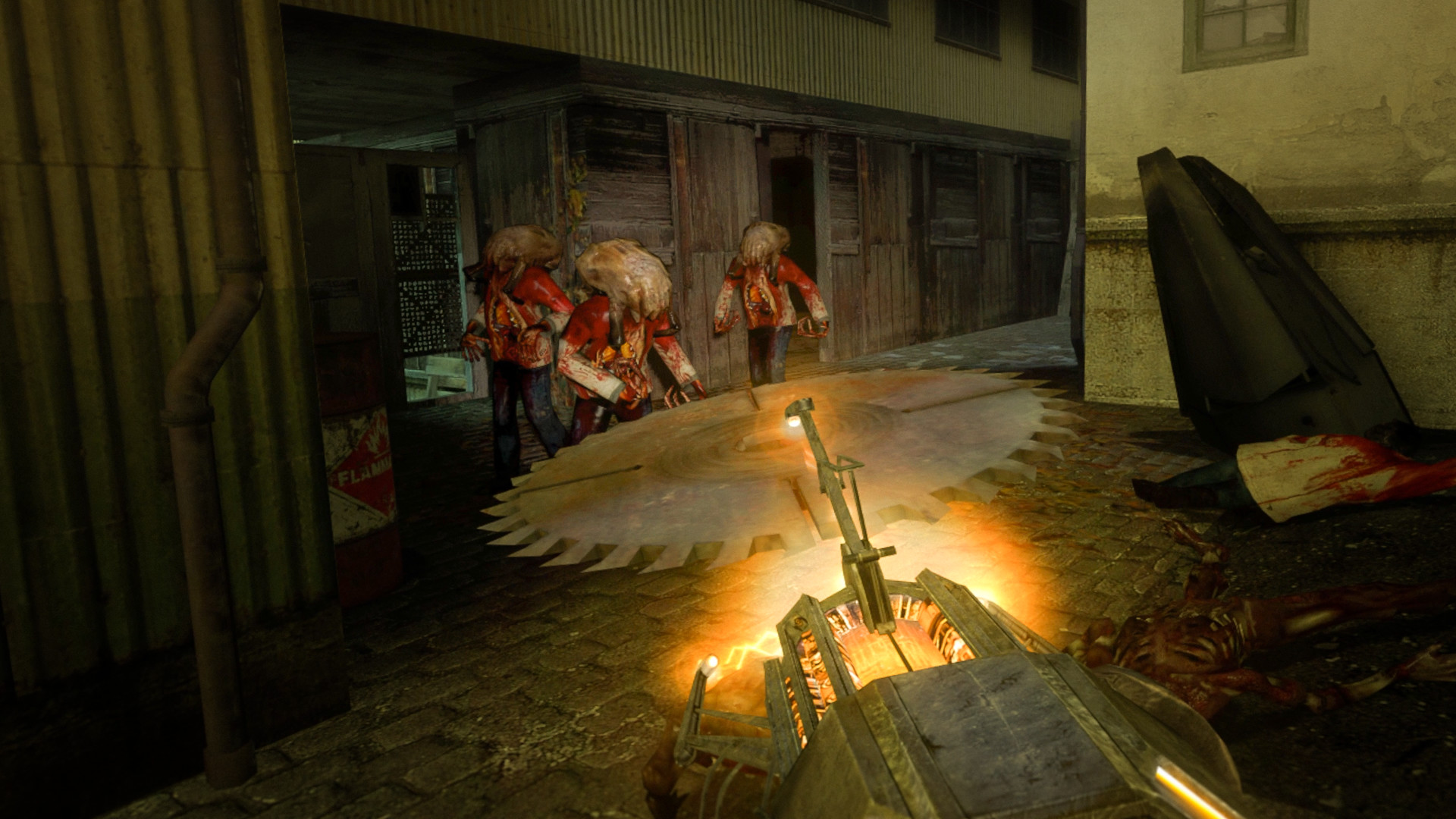
Valve's 2004 shooter, the whole campaign, rebuilt for motion controllers by a fan team. You pick up and throw physics objects with your own hands, and the August update gave the crossbow a scope with real depth and steadier aim when you brace it with both hands. It is the easiest install on this page, and it is on Valve's certified list for the Steam Frame.
What you need: Half-Life 2 on your own Steam account, $9.99 on Steam, plus SteamVR and a PC VR headset. Family Sharing does not count.
- Install SteamVR. SteamVR is free on Steam.
- Install the mod. Get Half-Life 2: VR Mod from its Steam page. It is free once you own Half-Life 2, which does not even need to be installed.
- Launch it from your Steam library. Any SteamVR headset works. On a Quest, connect to the PC first with Link, Air Link or Virtual Desktop.
- Add the episodes, if you want them. Episode One and Episode Two are separate free installs. Half-Life 2 on Steam now includes both episodes, so owning it is enough.
Smooth movement and 30 degree snap turning are the defaults. Teleport, smooth turning and a vignette are in the comfort options, and the mod team's FAQ warns that the vehicle sections need strong VR legs.
Full Half-Life 2 VR guide →PC VR
Gunman Contracts (Half-Life: Alyx mod) →
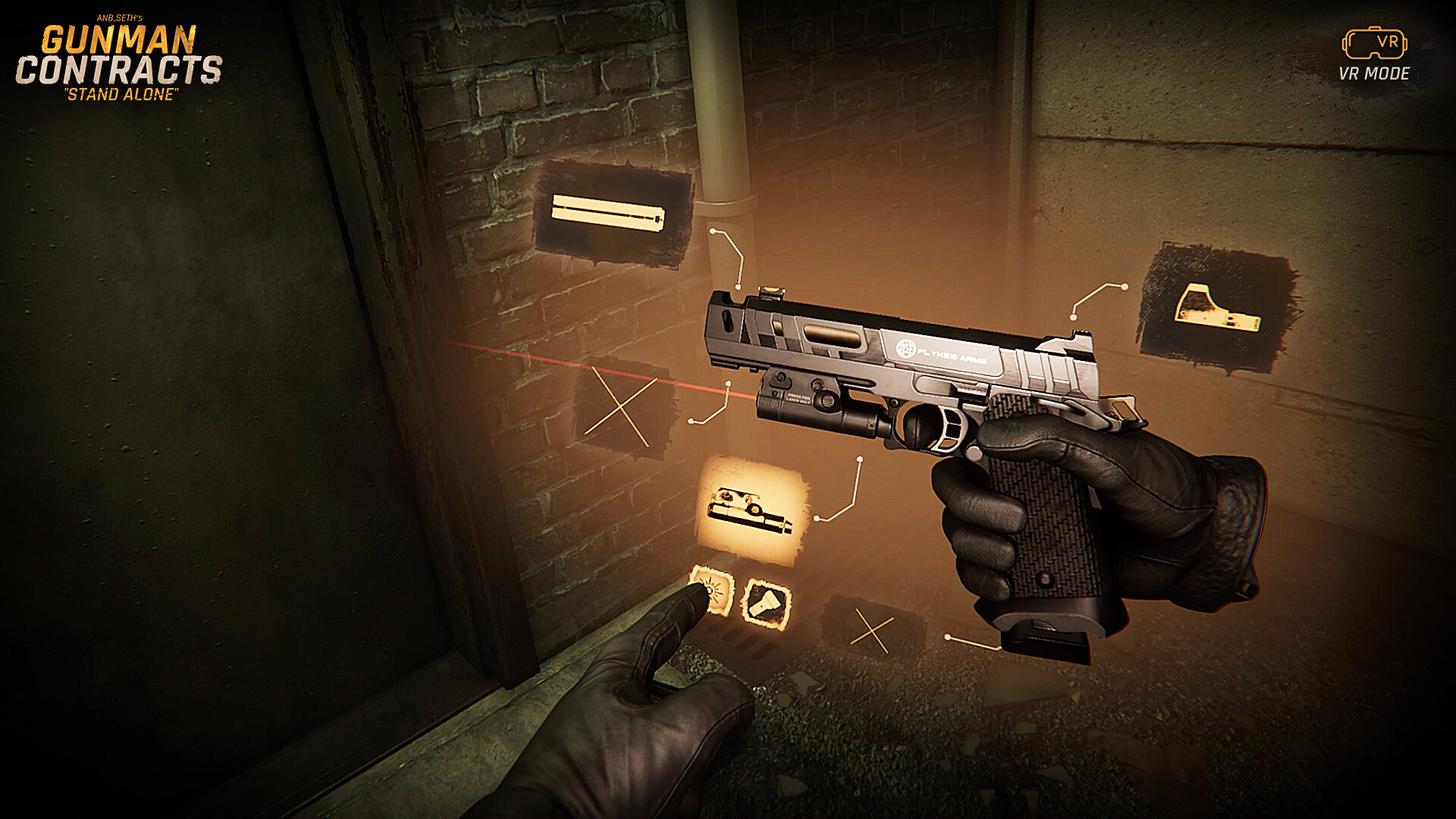
Two free story chapters of gunfights built as Half-Life: Alyx Workshop addons, so they run on Alyx's engine and use its assets. Chapter 1 alone has 314,333 lifetime Workshop subscriptions. The same developer has since built a paid standalone game from the ground up, released in September.
What you need: Half-Life: Alyx in your own Steam library ($59.99 list) and a PC VR headset.
- Subscribe to Chapter 1. Chapter 1, The Extraction is a 636 MB Workshop download.
- Subscribe to Chapter 2. Chapter 2, Art of War is 1.34 GB.
- Launch Half-Life: Alyx. Start Alyx in VR, enable the chapter under Addons, then choose New Game and the Addon maps tab. Play them in order; they are one story, and disable other mods first.
Both chapters were last updated in March 2022, so expect a few rough edges. The standalone game is a separate $29.99 purchase that released September 10 and does not need Alyx.
Full Gunman Contracts guide →PC VR
Titanfall 2 VR →
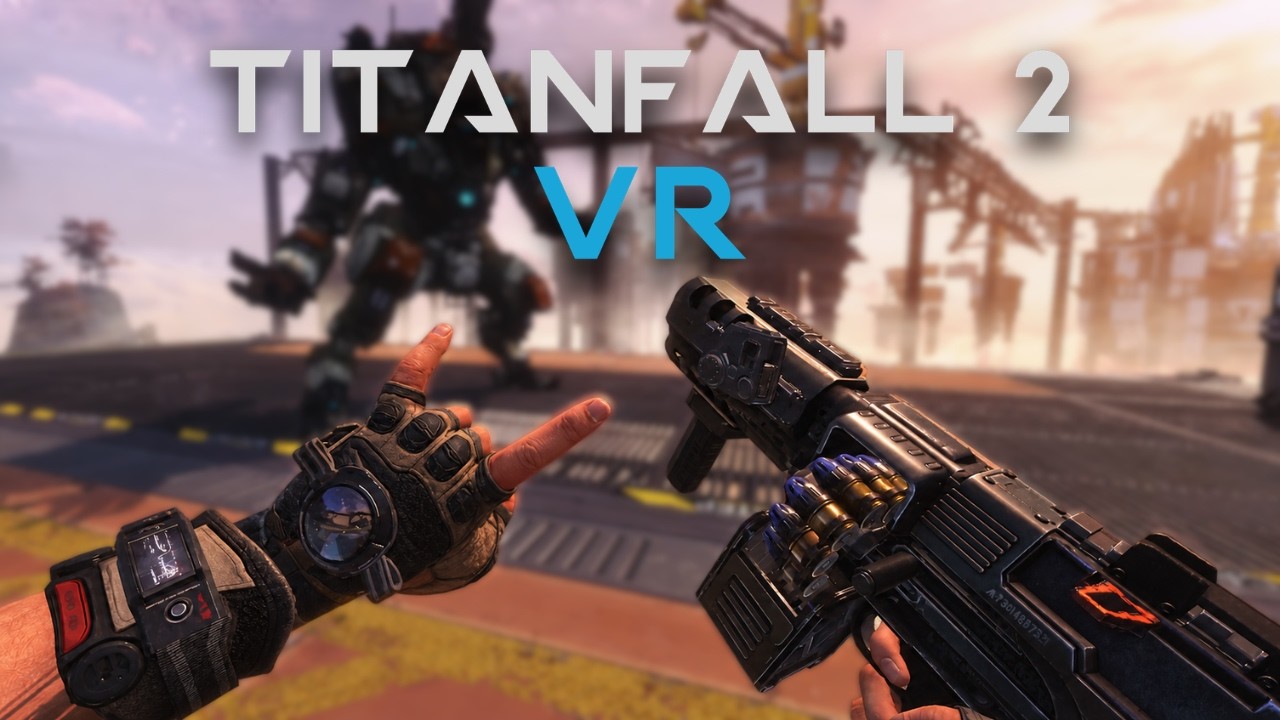
Respawn's 2016 campaign in a headset, with guns you aim and reload with your own hands and Titans you jump into yourself. A one-click installer does the work. The stable build covers the campaign, multiplayer is in open beta, and the wall-running is a lot of motion.
What you need: A Windows PC with a PC VR headset, your own Titanfall 2 from Steam, the EA app or Xbox, and the EA app signed in.
- Run Titanfall 2 once, flat. On Steam, that first launch installs the EA app, which the game needs to start at all.
- Install the mod. The installer finds the game and puts the mod and the Northstar loader in a separate TF2VR folder.
- Start SteamVR and press Launch in VR. Starting the game from Steam gives you the normal flat version.
VR saves are kept apart from your flat ones, so the campaign starts fresh.
Full Titanfall 2 VR guide →PC VR
Diablo II: Resurrected VR (D2R VR) →
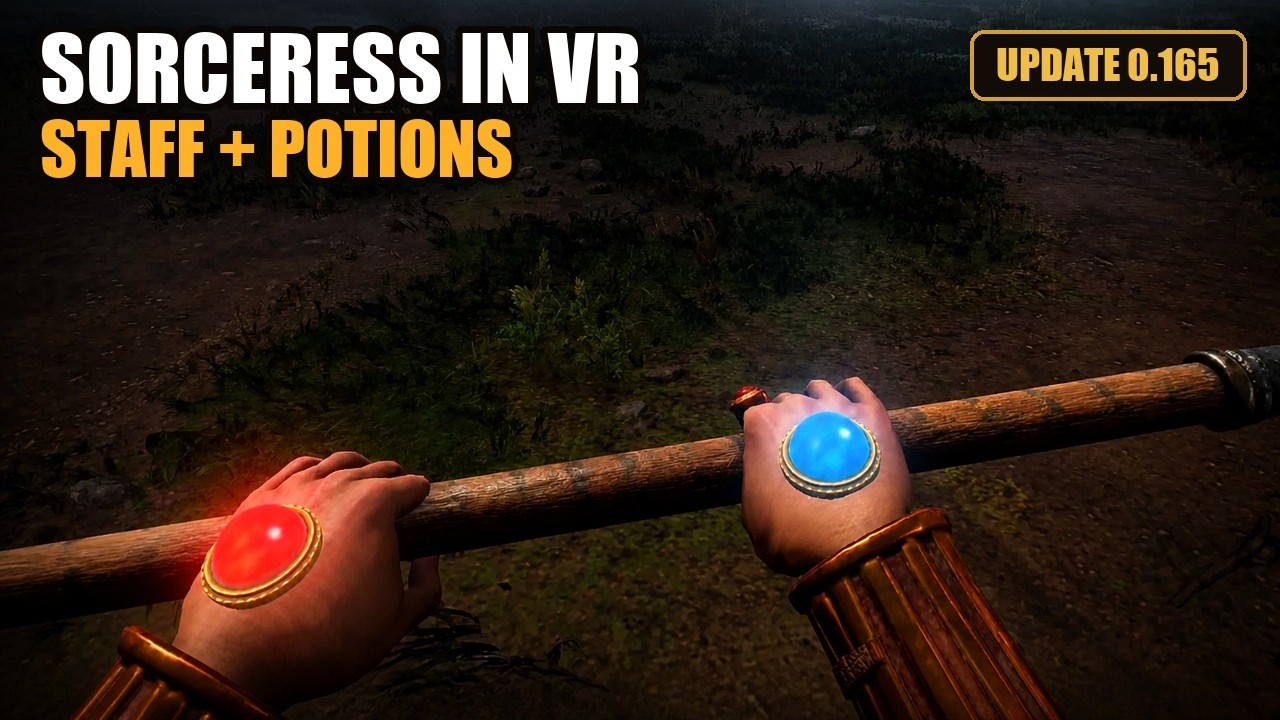
Four ways to play Blizzard's remaster in a headset: from above, from behind, as a model on your floor, or in first person with spells that follow your hand. It is moving fast: the current download is 0.202.0, from November 4, and since late October it does co-op, where you see the other VR players move in a TCP/IP game.
What you need: Your own Diablo II: Resurrected from Steam or Battle.net (the Steam Infernal Edition is $39.99), a PC VR headset, Windows 10 or 11, and the free D2RLoader mod loader, which is not bundled: Setup offers to download it if it is missing.
- Run the installer. Get it from the mod's page at BodyWalkVR. It asks for your game folder, installs the mod into it and offers to fetch D2RLoader if it is missing.
- Fix three video settings. Vertical Sync off, FXAA or MSAA instead of TAA, ambient occlusion on Medium. The settings program flags VSync and TAA for you.
- Start your headset. Quest owners connect through Virtual Desktop or a Link cable first.
- Launch from D2R VR Authentic Settings. Press START on its Home tab, which runs the game under D2RLoader. Then press F1 to F4 to switch views.
Keep it off Battle.net: co-op runs through the game's own TCP/IP games, and everyone in one needs the same mod version. The project warns that injecting code into the game online can get the account banned, so keep it away from a Battle.net character you care about.
Full D2R VR guide →PC VR
BetterVR (Breath of the Wild)
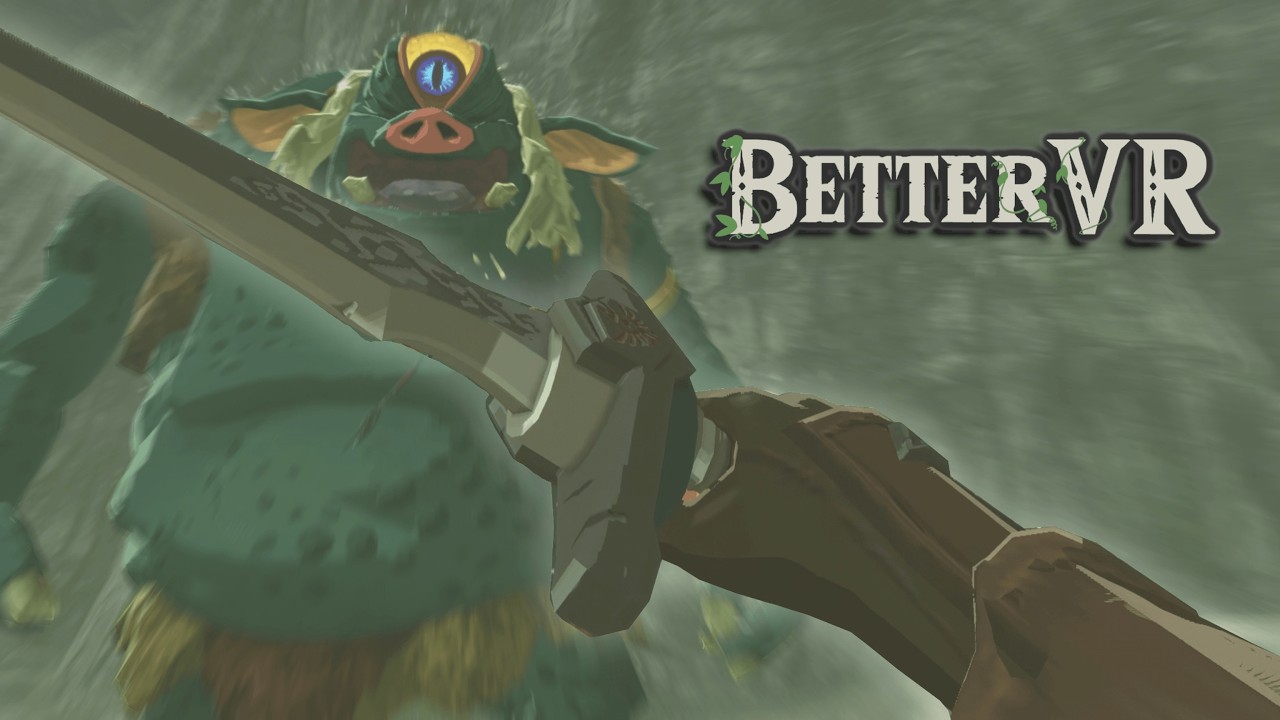
The Legend of Zelda: Breath of the Wild in true stereo with Link's arms following yours, through the Cemu emulator. You swing the sword, draw the bow by pulling back on the string, and walk your room to move. Version 0.9.23 is current.
What you need: Your own Wii U copy of the game, updated to V208, plus Windows and a PC VR headset. Your CPU matters more than your graphics card.
- Add your own copy of the game. Breath of the Wild for Wii U, with update V208.
- Follow the setup in the repository. The repository has the setup steps and notes on which other mods and graphics packs work with it. Read those first.
Neither Cemu nor BetterVR includes the game. You bring your own.
PC VR
Gears of War: E-Day VR Mod
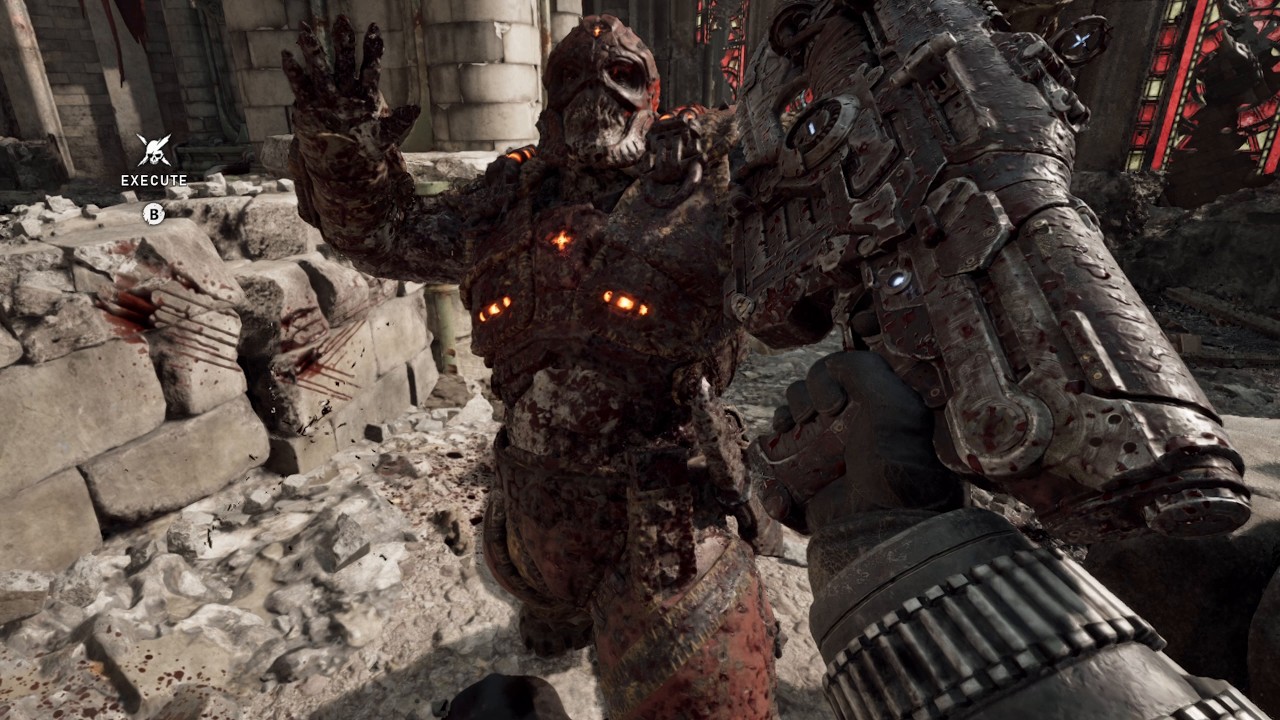
The whole E-Day campaign in first person, with your own hands on the Lancer. You start the chainsaw by pulling its lever, thumb shells into the Gnasher one at a time, work the Longshot's bolt and pull fresh magazines off your chest. It is free and still early access, with new builds landing almost daily. Version 0.2.4 is current.
What you need: Gears of War: E-Day on your own Steam account, $69.99, plus a Windows PC, a PC VR headset and SteamVR set as the active OpenXR runtime. The Xbox app and Game Pass version is untested.
- Set SteamVR as your OpenXR runtime. In SteamVR, open Settings, then OpenXR, and set SteamVR as the OpenXR runtime. Virtual Desktop users can pick its VDXR runtime in the launcher instead.
- Download the mod. Get the latest zip from the releases page and unzip it anywhere. That GitHub page is the one the modder links from their own YouTube channel.
- Run the launcher. Open GoWEDay_VR.exe, point it at the game folder or exe, tick Windowed if you want a window, choose the VR runtime and press Start.
- Go offline on the title screen. Hold X on the left controller to enter offline mode. The mod's options live under VR SETTINGS in the pause menu.
- Updating. Unzip the new version and press Start again. The launcher refreshes the mod's files every time and keeps your settings.
Campaign only. The launcher starts the game offline without Easy Anti-Cheat, and the modder warns that taking a modded game online can get your account banned. Some antivirus programs flag the launcher because it injects into the game; the source is on GitHub. It has only been tested playing as Marcus, and a game update can break it until the mod catches up. If your head movement judders, set Ray Tracing to Low.
PC VR
Multiverse VR Hub (Mario Kart 64 and more)

One small Windows app that installs RaYRoD's VR ports onto your own copies of the games. Its releases include Quest builds of Mario Kart 64, Super Mario 64 and Diddy Kong Racing, patches for F-Zero GX and Mario Kart: Super Circuit, and PC ports of Banjo-Kazooie, Dr. Robotnik's Ring Racers and Sonic Robo Blast 2. When Evan tried Mario Kart 64 VR in August, first person was hard on the stomach, while third person and the tabletop Diorama view were comfortable.
What you need: A Windows PC, your own game files, and a PC VR headset or a Quest.
- Check the file. Each release lists a SHA-256 hash. Run certutil -hashfile MultiverseVRHub.exe SHA256 and compare; the release notes say not to run it if they differ.
- Run it. It is not code signed yet, so Windows shows an unrecognized app box the first time.
- Pick a game and point it at your own file. The hub checks the file, applies the VR patch and keeps it updated. Quest builds go to the headset with Send to Quest.
The hub ships no game files, and neither does VR.org. Dump your own cartridge or disc.
PC VR
UEVR (Unreal Engine games) →
One tool for a whole engine: praydog's free injector adds stereo VR to many games built on Unreal Engine 4 and 5. How well it works depends on the game, and community profiles fill in the settings each one needs.
What you need: A Windows PC, a PC VR headset, .NET 6.0, and a single-player Unreal Engine 4 or 5 game on your own account that runs on DirectX 11 or 12.
- Look up your game first. PCVR Central's catalog shows which games have a VR path and how good it is, and Rai Pal shows which of your games are Unreal.
- Download UEVR. From praydog's GitHub releases and nowhere else. Games on Unreal Engine 5.5 or newer usually need the nightly build instead.
- Prepare the game, then inject. Turn HDR and DLSS Frame Generation off in the game. Run UEVRInjector.exe, launch the game, pick it in the process list, choose OpenXR or OpenVR (OpenXR on Virtual Desktop), and press Inject.
- Tune it. PCVR Central's guides cover per-game settings. If the picture is broken, switch the rendering mode from Native Stereo to Synchronized Sequential.
Never inject into a game with anti-cheat. The project's docs say to assume every multiplayer game has it unless it can be played offline.
Full UEVR guide →PC VR
Venture (Quest games on PC VR)
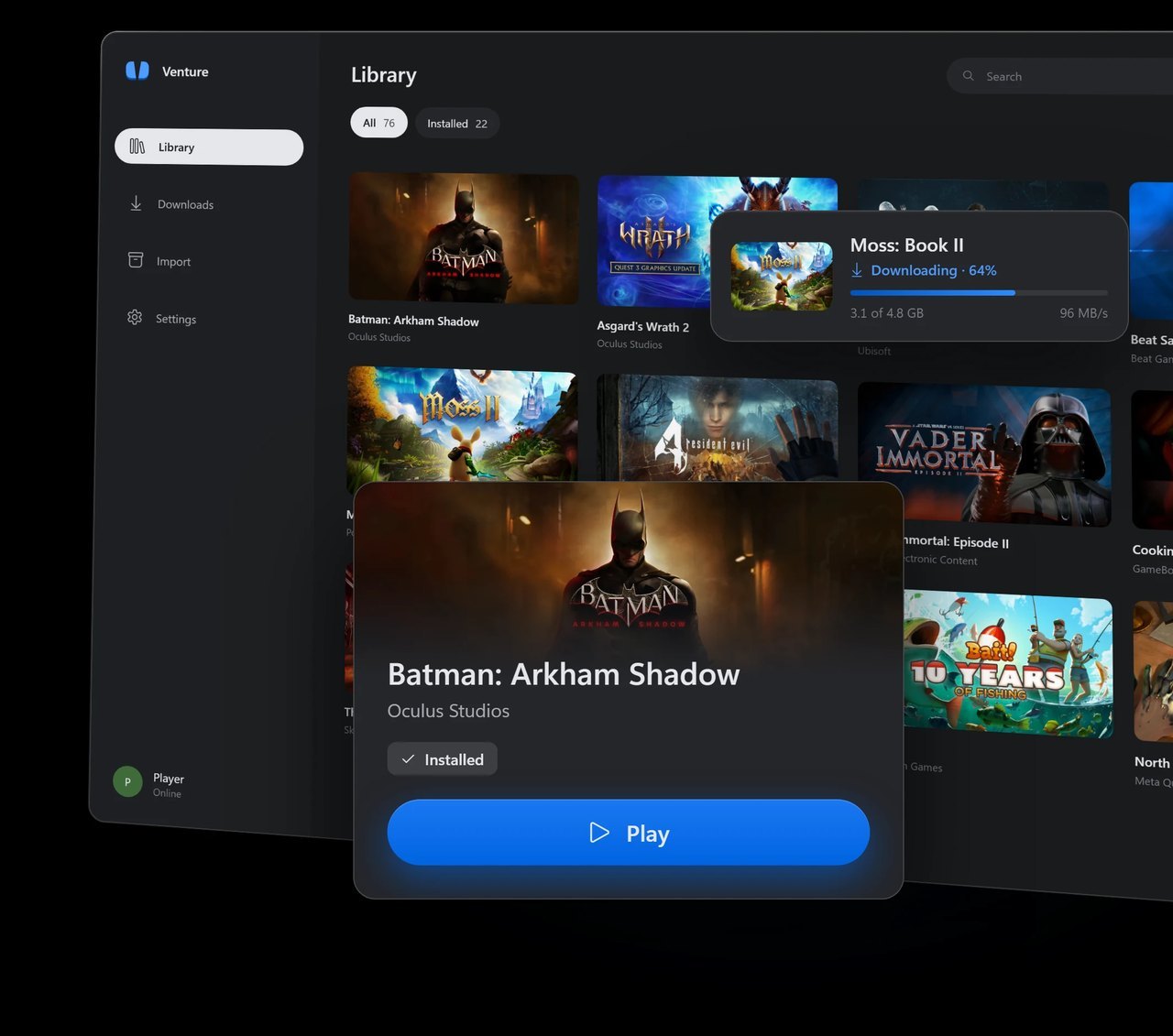
A free, open-source Quest emulator for Windows and Linux. It downloads the Quest games your Meta account owns from Meta's own servers and runs them on a PC VR headset through your OpenXR runtime. Its list has 26 games marked working, 17 of them Quest exclusives, where working means the game renders; a full playthrough is not part of the check.
What you need: 64-bit Windows 10 or 11, or Linux, a PC VR headset on an OpenXR runtime with Vulkan support (SteamVR or Quest Link on Windows, Monado on Linux), Microsoft's WebView2 runtime for the sign-in window, and the Meta account that owns the games. App Sharing does not count.
- Download the installer. Venture-windows64-setup.exe from the GitHub releases page. On Linux, pick the package for your distribution: .deb, .rpm, AppImage or Flatpak.
- Sign in with Meta. Sign-in happens on Meta's own login page inside the app. Use the account that owns your Quest games.
- Check, install, play. Look the game up on the compatibility list, click Install, start SteamVR or Quest Link, then press Play.
Venture checks with Meta that you own a game before every download and every launch, and it labels its traffic as Venture, so Meta can see it. Whether Meta minds is unknown, and any risk to your account is yours. Leave the Import page alone unless the files came off your own headset.
Quest mods that need no PC
These run on the headset itself. All of them need developer mode and sideloading, and all of them are projects rather than installs. The reward is a game no store will sell you for a Quest.
Quest, no PC
AstroQuest (Astro Bot Rescue Mission) →
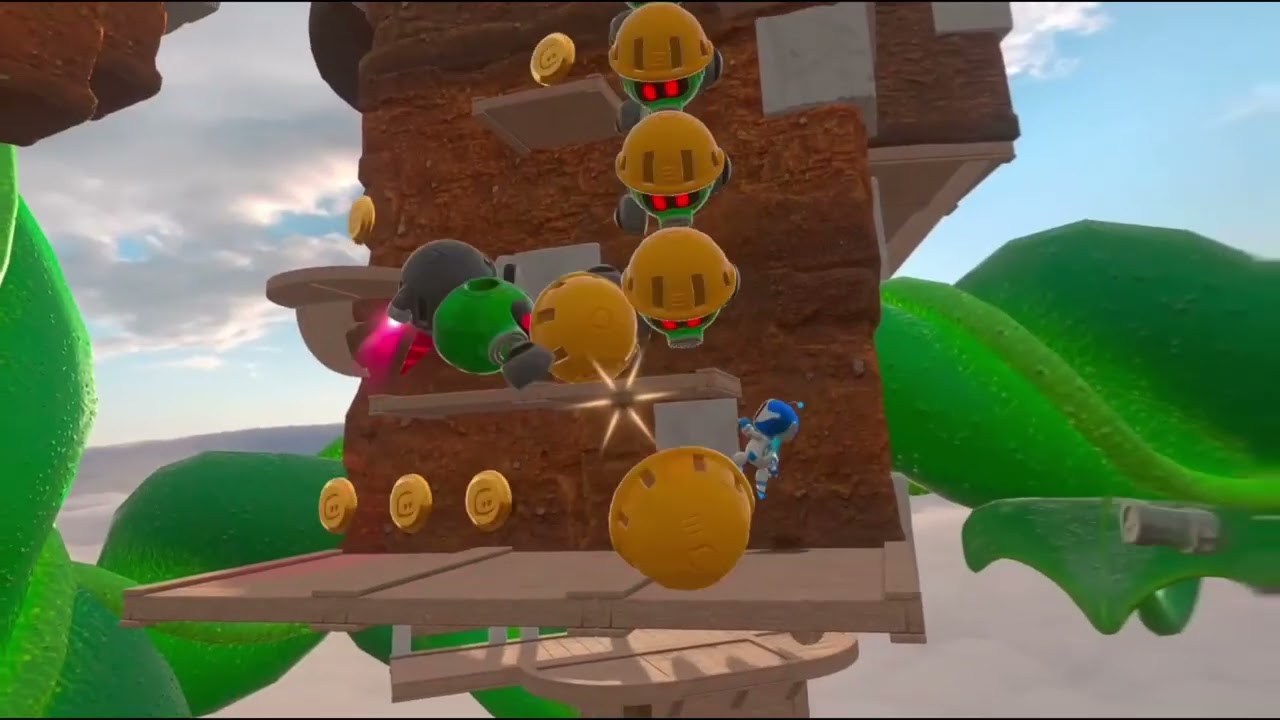
Sony's 2018 PS VR platformer, running on a Quest 3 with no PC through a free fork of the shadPS4 emulator. There is a PC VR build too. It updates every few days; 0.23 is current.
What you need: A Quest 3 in developer mode, a computer with SideQuest or adb, and your own dump of the European release (CUSA12392) or, since 0.22, the American one (CUSA12431) from your own PS4. A copy downloaded from the PlayStation Store will not work.
- Sideload it. Drag it onto SideQuest, or install it with adb.
- Copy your game folder across. CUSA12392 (CUSA12431 for the American release), about 13 GB, to the path the README gives.
- Launch Astro VR Host. It is under Unknown Sources. A DualSense over Bluetooth plays best, and Touch controllers work too.
Making a dump means running unofficial software on a PS4. AstroQuest does not explain how, and neither do we.
Full AstroQuest guide →Quest, no PC
WinlatorXR (Windows games on Quest)
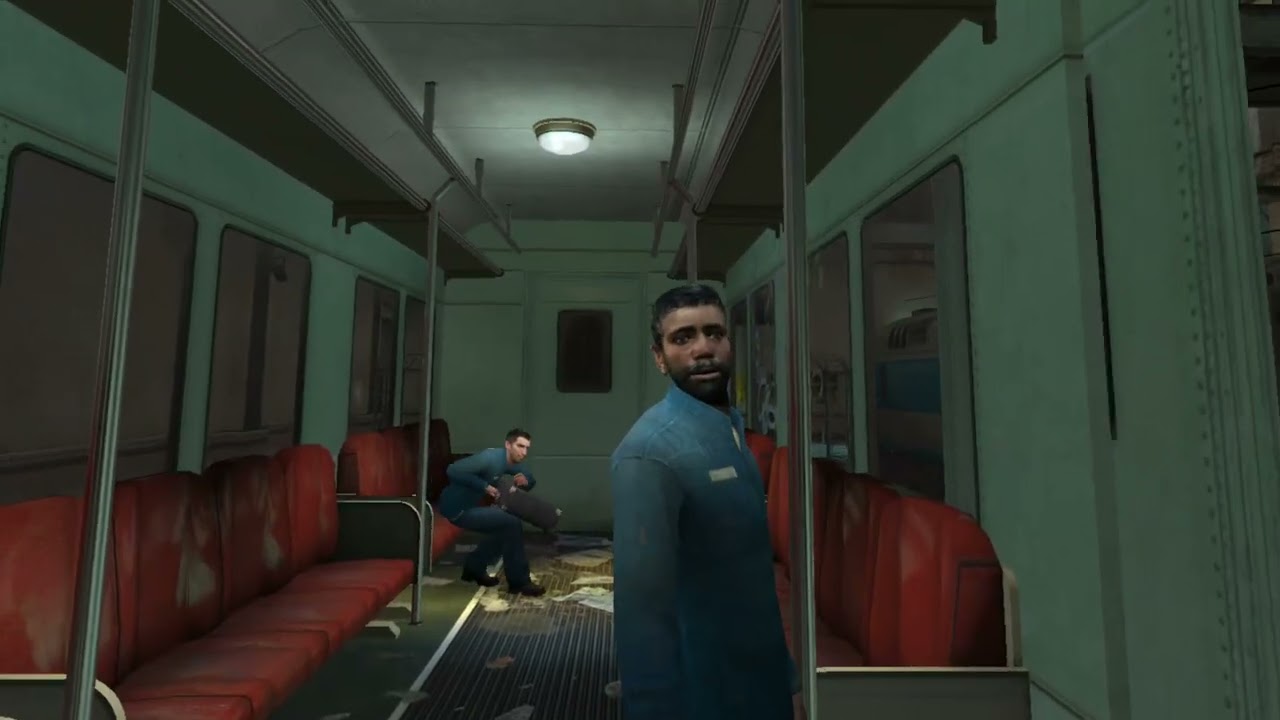
Runs Windows games on a standalone headset with no PC at all. Its compatibility list marks Portal as working on Quest 3 and Pico 4 Ultra, and in August a Half-Life 2 test run went up from a Quest 3. Some games run in full stereo VR and others on a flat screen with head tracking, so check which mode a game uses before you get excited. The October 9 release, Dawn 42, adds the first support for PC VR games running on the headset itself.
What you need: A Quest 2, Quest 3, Quest 3S or Pico 4 Ultra in developer mode, and the games on your own account. The project rates Quest 2 and Pico 4 Ultra fully supported, Quest 3 and 3S supported with limited driver support, and the original Quest as not working.
- Follow the first-time setup. The project's own tutorials page has setup videos, including one for Steam. Sign in to Steam, GOG, Epic or Amazon inside the app to download games you own.
- Check the compatibility list. The compatibility list says what has actually run, and on which headset.
Use only games you own, from your own store account. Skip the app's Goldberg Steam fix and the ready-made game downloads in its Downloader, and if anything offers you the game itself, close the tab. Most PC VR results so far come from the Pico 4 Ultra; Quest 3 is less tested.
Apple Vision Pro
One project, and it brings the Quest library with it.
Apple Vision Pro
AVP Play (Quest games on Vision Pro)
A free Mac app that downloads the Quest games your Meta account owns, translates them with a fork of the Klepton toolchain, and installs them on an Apple Vision Pro. It now takes Steam games that ship an Android build too, plus Half-Life: Alyx and, since November 1, Portal through the SourceVR engine. Every Meta Store game is labeled Verified, Community Verified, Untested or Incompatible, and an untested game you own can still be tried.
What you need: An Apple silicon Mac on macOS 14 or later with Xcode 27 or newer, a Vision Pro in Developer Mode, PlayStation VR2 Sense controllers for most games, the Meta or Steam account that owns the games, and an Apple account in Xcode. A free Apple account works within Apple's limits: an install runs for seven days unless the app re-signs it, three apps fit on the headset at once, and ten new apps can be added a week. The paid Apple Developer Program, $99 a year, has no such limits.
- Work through the Setup page. It checks Xcode, the Vision Pro, your Apple account and your store accounts, and says what to fix. With a free Apple account, tap Trust once on the headset under Settings, General, VPN & Device Management.
- Install a game. Choose it under Games and click Install. A job can stop and resume without downloading twice.
Big games need the space twice: Asgard's Wrath 2 is about 34 GB on the Mac and the same again on the headset. AVP Play downloads only games your Meta or Steam account owns, but it answers each game's own licence check with yes, and Meta's terms license your games for Meta's own headsets, so any risk to your account is yours.
Looking for a game that is not here?
This list is short on purpose. For everything else, PCVR Central's catalog listed 898 VR mods covering 874 flat PC games when we looked in August, each graded from Excellent down to Experimental, and it links every download to the creator's own page. The three biggest mods here also have full guides of their own: Titanfall 2 VR, D2R VR and AstroQuest.
Frequently asked questions
Are VR mods free?
Every mod on this page is free. What can cost money is the game underneath it. On October 23, 2026, Steam listed Half-Life 2 at $9.99, Half-Life: Alyx at $59.99, Titanfall 2 at $29.99 and the Diablo II: Resurrected Infernal Edition at $39.99. AVP Play is free too; a free Apple account works within Apple's limits, and the $99 a year Apple Developer Program removes them.
Are VR mods safe to download?
Get them only from the creator's own page: Steam, the Steam Workshop, GitHub releases, SideQuest or the project's own site. That is the only kind of link on this page; VR.org never links rehosted copies, file lockers or ROM sites. Some projects let you check the file yourself: Titanfall 2 VR's installer checks every download against a SHA-256 hash, and the Multiverse VR Hub publishes a hash with each release.
Do I need to own the game to use a VR mod?
Yes, for every mod here. A mod changes a game you already have, and none of these include the game. Steam Family Sharing does not count for Half-Life 2: VR Mod, and emulator projects such as AstroQuest and BetterVR need a copy taken from your own console.
Can a VR mod get my account banned?
Single-player mods played offline are the safe case. D2R VR's own README warns that injecting code into Diablo II: Resurrected online can get the account banned, so play it offline only. As a rule, keep injectors such as UEVR away from any game with competitive anti-cheat.
Which VR mods work on a Quest 3 without a PC?
AstroQuest and WinlatorXR run on the headset itself, and the Multiverse VR Hub can send Quest builds of some of its games straight to the headset. All of them need developer mode and sideloading. Everything else on this page runs on a Windows PC, and a Quest plays it as a PC VR headset over Link, Air Link, Steam Link or Virtual Desktop.
What is the easiest VR mod to start with?
Half-Life 2: VR Mod. It installs from Steam like any game, it is free once you own Half-Life 2, and it covers the whole campaign. If you already own Half-Life: Alyx, the two free Gunman Contracts chapters are just as easy.
Do these VR mods work on the Steam Frame?
Half-Life 2: VR Mod is on Valve's certified list for the Steam Frame. The other PC mods here are not certified, and on a Frame you would play them by streaming from a Windows PC running SteamVR.
How does VR.org choose and check these mods?
Every entry is a mod VR.org has covered, with its current version, requirements and links checked against the project's own pages. The list is re-checked every two weeks, and new mods are added as we cover them.