
Mod guide Unreal Engine games
How to Use UEVR: Play Unreal Engine Games in VR, Step by Step
Last updated: October 27, 2026
A living guide, updated as UEVR changes. For the catalog that tracks which games have good profiles, see our piece on PCVR Central.
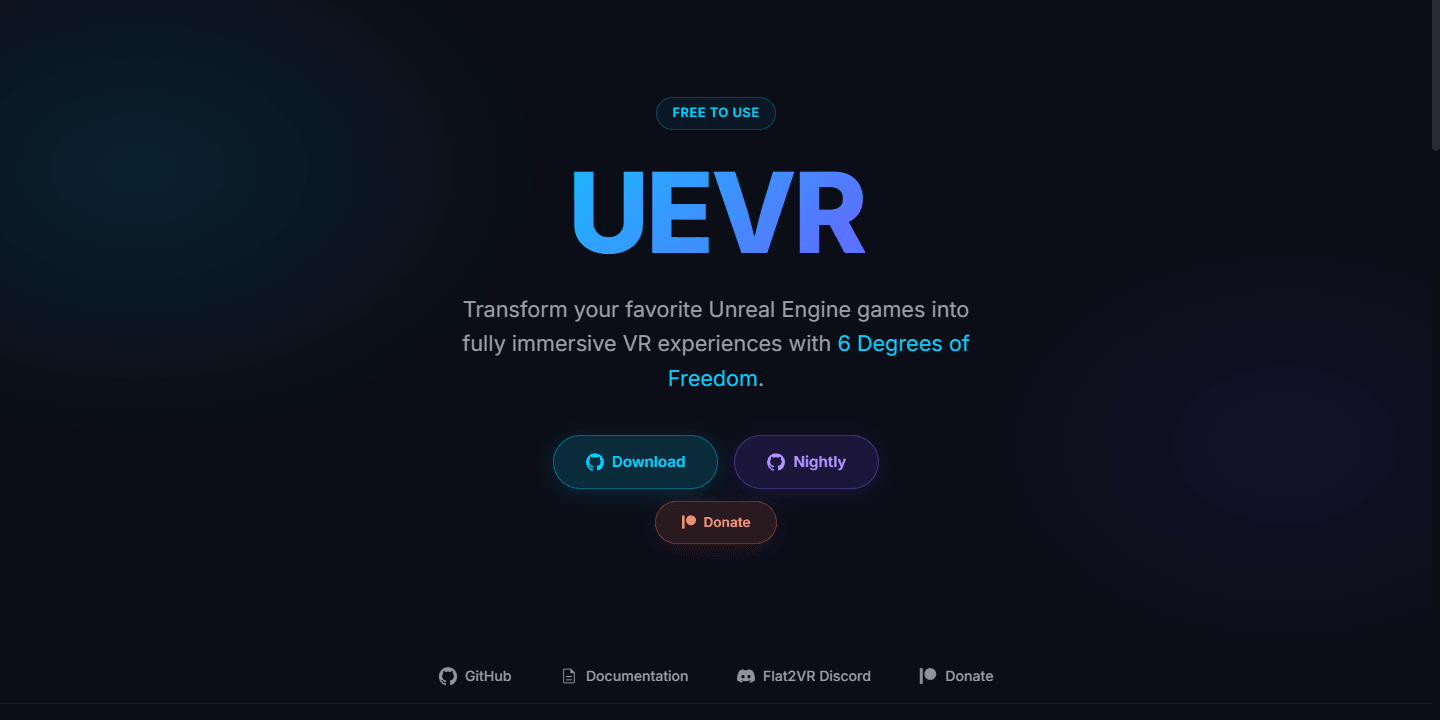
UEVR is praydog's free tool for putting PC games made with Unreal Engine 4 and 5 into a VR headset. You run its injector next to a game you already own, press Inject, and the game renders in stereo with full head tracking, with optional motion controls the community sets up game by game. It is documented for engine versions 4.8 to 5.4, works with DirectX 11 and 12 games and both OpenVR and OpenXR, and is downloaded from praydog's GitHub. The stable release is 1.05, from November 2024; newer engine fixes ship in nightly builds, the latest from August 30, 2026. Results vary from game to game.
| UEVR | |
|---|---|
| Price | Free. Source is public, but the license is All rights reserved |
| Made by | praydog |
| Games | Unreal Engine 4.8 to 5.4 as documented; 5.5 and 5.6 fixes in nightly builds |
| Graphics | DirectX 11 and DirectX 12. Vulkan is not listed |
| Runtimes | OpenVR (through SteamVR) and OpenXR |
| Headsets | Tested on Rift, Quest 2 and Pro, Index, Vive, Bigscreen Beyond, Pimax and WMR |
| Versions | Stable 1.05 (November 16, 2024). Nightly 01143 (August 30, 2026) |
UEVR at a glance, checked October 27, 2026.
What you need
A Windows PC that runs PC VR, a headset, and a single-player Unreal Engine game on your own account. The injector needs .NET 6.0. Whether a game is Unreal is not always obvious, and the project's documentation points to Rai Pal, a free tool that sorts your library by engine. A Quest works as the headset once it is connected to the PC, and on Virtual Desktop the docs say to use OpenXR "to avoid rotation lag".
How to install it, step by step
Tick steps off as you go. Your progress stays on this device, so you can follow along on your phone at the PC.
- Check that your game can take it. UEVR works on single-player PC games built on Unreal Engine 4 or 5 that run on DirectX 11 or 12. The project's docs suggest Rai Pal, a free tool, to see which of your games are Unreal. Skip anything with anti-cheat.
- Install .NET 6.0. The UEVR injector needs Microsoft's .NET 6.0, a free download from Microsoft.
- Download UEVR from GitHub. Get UEVR.zip from praydog's GitHub releases. The stable build is 1.05; games on Unreal Engine 5.5 or newer usually need the nightly build from the UEVR-nightly releases instead. Download it from GitHub and nowhere else.
- Extract it and open the injector. Unzip it to a folder of your own and run UEVRInjector.exe. If your antivirus removes a file, the project says to whitelist the UEVR folder. If your game does not appear later, run the injector as administrator.
- Prepare the game. Turn off HDR, which makes the game darker in VR, and DLSS Frame Generation. Close overlays such as RivaTuner and Overwolf. If the game has its own VR mode, launch it with -nohmd.
- Start your headset's runtime. Start SteamVR for OpenVR, or your headset's OpenXR runtime. Quest owners connect to the PC first. On Virtual Desktop, choose OpenXR.
- Launch the game and inject. Start the game, pick it in the injector's process list, choose OpenVR or OpenXR, and press Inject. The game appears in the headset.
- Open the menu and tune it. Press Insert, or both stick clicks on a controller, to open UEVR's menu. Start with the Native Stereo rendering mode and switch to Synchronized Sequential if the picture is broken. If someone has made a profile for your game, import it.
The download is UEVR.zip on GitHub, and the 1.04 and 1.05 releases each ship a .sha256 file you can check it against. The UEVR site, uevr.io, sends its download buttons to GitHub and nowhere else.
Stable or nightly
The stable build, 1.05, is from November 16, 2024. Since then the fixes for newer games have gone into automatic nightly builds, published on the UEVR-nightly releases page, including fixes for Unreal Engine 5.5 and 5.6. The project's README and docs still list 4.8 to 5.4, while uevr.io says 5.6. The practical rule: try the stable build, and if your game is recent or stable will not inject, use the newest nightly.
Rendering modes
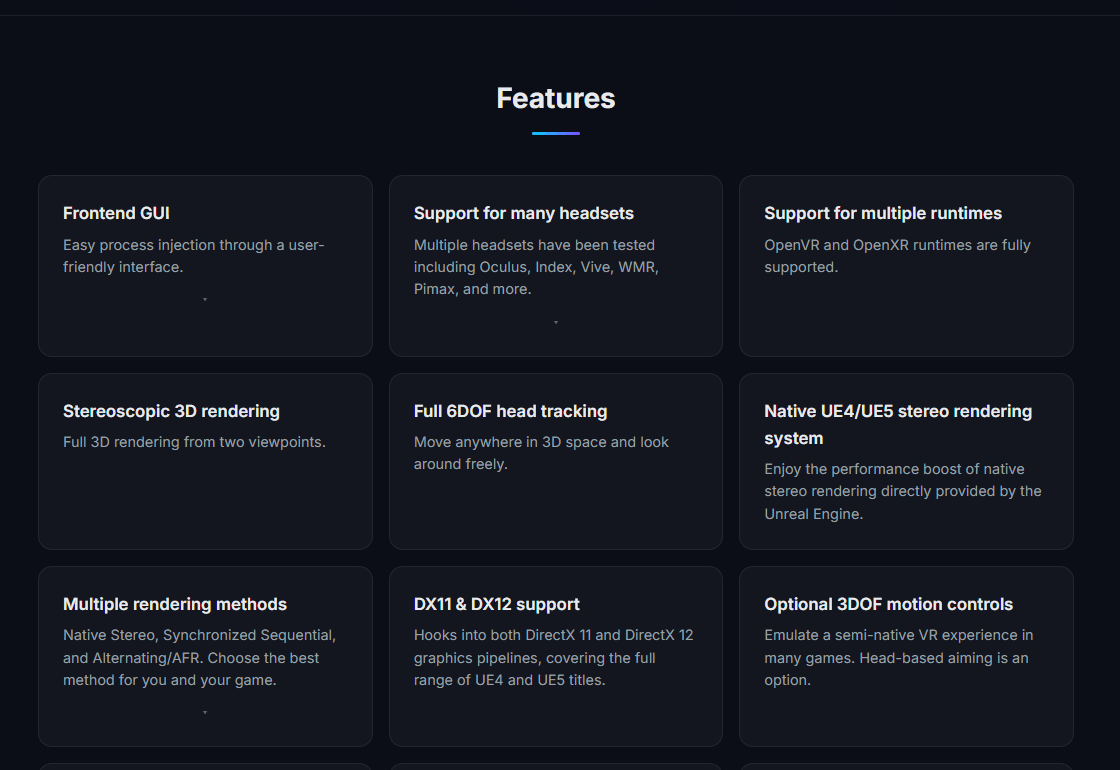
This is the setting that decides whether a game looks right. The README describes three:
| Mode | When to use it |
|---|---|
| Native Stereo | Try it first. When it works it looks the best and usually performs the best |
| Synchronized Sequential | The fallback when Native Stereo is broken. Slower, and temporal effects like TAA ghost, so turn motion blur off |
| AFR | Causes eye desync and usually nausea. The project says it generally should not be used |
The three rendering modes, as the project describes them.
Profiles and motion controls
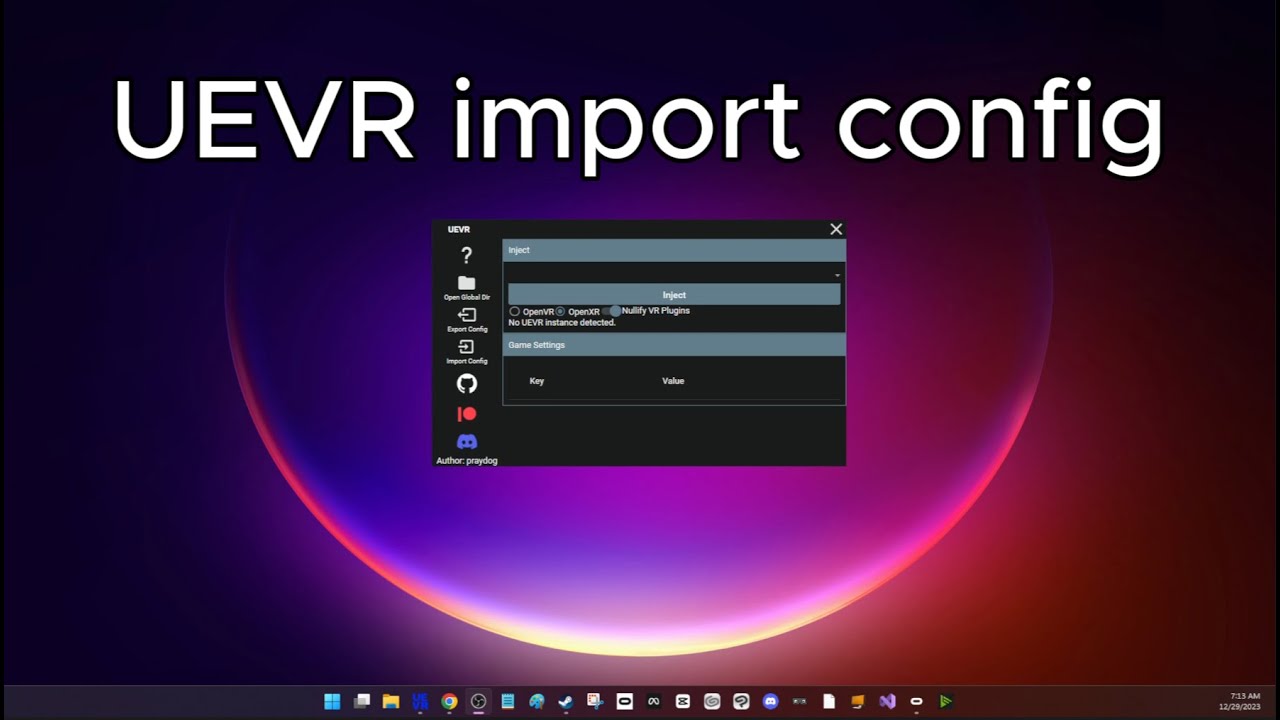
A profile is a saved set of UEVR settings for one game, often with motion controls already mapped. Profiles live in %APPDATA%\UnrealVRMod under the game's executable name. To add one, press Import Config in the injector and choose the profile's zip. The injector warns before importing a profile that contains a DLL: "Only import configs with DLLs from trusted sources to avoid potential risks." The docs say good profiles often come from the Flat2VR Discord.
Motion controls come from UObjectHook, which attaches game objects such as a weapon to your controllers. The docs carry the gotcha that catches most people: "UObjectHook is not enabled by default... If a profile received does not work, it is likely because of the above." The fix is the Enabled at Startup option.
Controls and comfort
Press Insert, or click both sticks (L3 and R3) on an Xbox-style controller, to open UEVR's menu; you can also point a motion controller at it. With the right trigger held, the left stick moves the camera, the right stick raises or lowers it, B resets the camera offset, Y recenters the view and X resets the standing origin. On motion controllers the default layout copies an Xbox pad, with the grips as the bumpers and the triggers as the triggers.
For comfort there are snap turning, an adjustable world scale and Decoupled Pitch, which the docs recommend for motion sickness because it keeps the horizon level. Snap turning and Decoupled Pitch are off by default. Roomscale movement, also off by default, comes with Sweep Movement so walking in your room stops at the game's walls.
If something breaks
| Problem | Fix |
|---|---|
| Graphical bugs or crashes | Switch to Synchronized Sequential, then try the compatibility options. Extreme Compatibility Mode is a last resort |
| Rapid flickering or heavy lag | Usually DLSS Frame Generation: turn it off, or turn off hardware-accelerated GPU scheduling. OpenXR Toolkit may need disabling too |
| The game is locked to 60 FPS | Turn off ASW or motion smoothing |
| Rotation judders on Virtual Desktop | Use OpenXR, or turn on the Virtual Desktop fix under Runtime |
| The game is too dark | Turn HDR off in the game |
| The game is missing from the list | Run the injector as administrator |
| Nothing happens when you press Inject | Move the UEVR folder somewhere else |
| Files vanish after download | Your antivirus took them. Whitelist the UEVR folder and restore the files |
Common problems and fixes, from the UEVR docs and release notes.
Bug reports go on GitHub, with your profile attached through Export Config. For how it all works under the hood, praydog wrote a long technical post in 2023. We have also covered a full UEVR-based campaign mod, Gears of War: E-Day in VR.
Version history
- Dec 31, 2023 1.0, the first beta release.
- Jan 2024 1.01 to 1.03, three follow-up releases in two weeks.
- Apr 2, 2024 1.04: automatic nightly builds, Recenter Horizon, gamepad snap turn and global profiles.
- Nov 16, 2024 1.05: a Lua scripting API, Sweep Movement so roomscale walking stops at walls, and Unreal Engine 5 crash fixes. Still the stable release.
- 2025 to 2026 Fixes for Unreal Engine 5.5 and 5.6 games arrive in nightly builds only, among them UI fixes for 5.5 and newer and render target fixes for 5.6.
- Aug 30, 2026 Nightly 01143, the newest build.
More VR mods we have set up
Every mod we have covered, with the steps and a difficulty rating for each, is on our best VR mods page.
- Mod guideHalf-Life 2 in VR
- Mod guideDiablo II: Resurrected in VR
- Mod guideTitanfall 2 in VR
- Mod guideGunman Contracts, the Half-Life: Alyx mod
Frequently asked questions
Is UEVR free and safe to download?
It is free. Its source code is public on GitHub, but its license reads All rights reserved, so it is not open source. Download it only from praydog's GitHub releases or the UEVR-nightly releases. The project's docs say antivirus software may quarantine its files and that you may need to whitelist the UEVR folder.
Can UEVR get me banned?
The project's docs tell you not to inject into any game with anti-cheat, and to assume that every multiplayer game has it unless it can be played offline. Use it on single-player games.
Which games work with UEVR?
PC games built on Unreal Engine 4 and 5 that run on DirectX 11 or 12. The project documents engine versions 4.8 to 5.4, and fixes for 5.5 and 5.6 games ship in nightly builds. How well a game plays varies; community profiles fill the gaps. Rai Pal, which the docs recommend, shows which of your games are Unreal.
Should I use the stable or the nightly UEVR?
Try stable 1.05 first. It dates from November 16, 2024, so games on Unreal Engine 5.5 or newer usually need a nightly build from the UEVR-nightly releases, where the newer fixes land.
Should I pick OpenXR or OpenVR in UEVR?
The docs say OpenVR usually has the highest compatibility and OpenXR usually gives higher performance when it works. OpenVR needs SteamVR. If you play through Virtual Desktop, use OpenXR to avoid rotation lag.
How do I add a UEVR profile for a game?
In the injector, use Import Config and pick the profile's zip file; profiles are stored per game executable. If a profile's motion controls do not work, the docs point to UObjectHook, which is off by default unless the profile turns on Enabled at Startup.
The picture is broken or flickering. What do I change?
Switch the rendering mode from Native Stereo to Synchronized Sequential, turn off DLSS Frame Generation and HDR, then try the compatibility options. The docs keep Extreme Compatibility Mode as a last resort.