
Mod guide Metro Exodus
How to Play Metro Exodus in VR: Install Guide, Controls and Fixes
Last updated: November 13, 2026
A living guide, updated as the mod changes. For what is inside the download, see our November 9 first look.
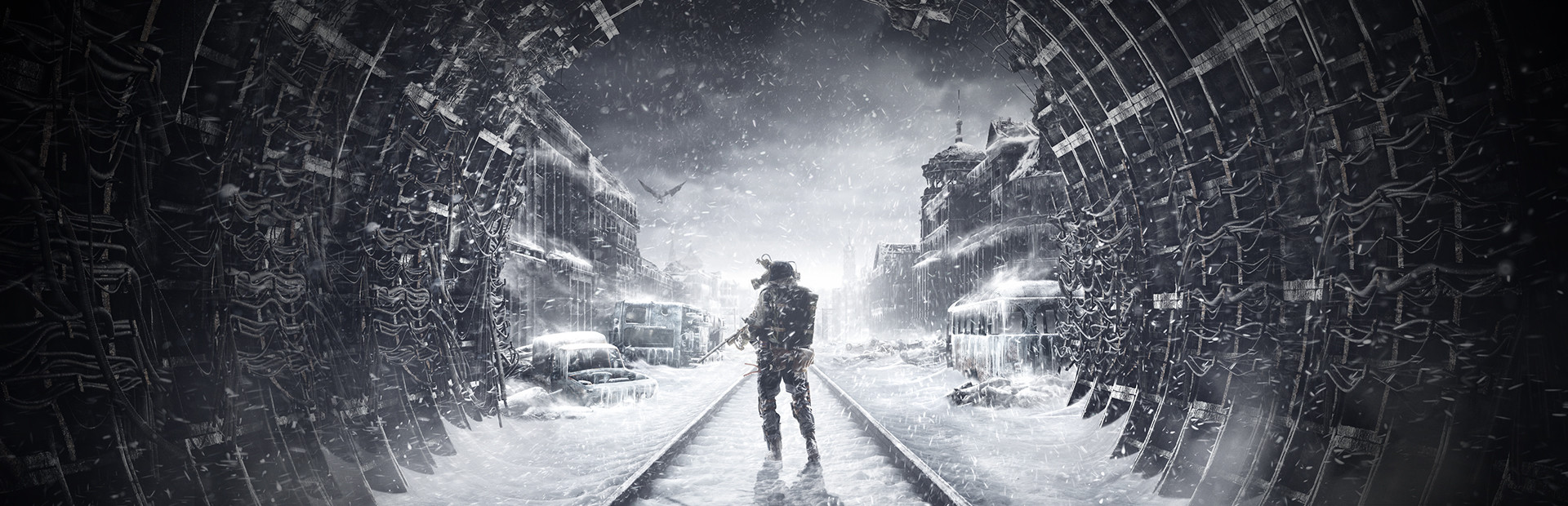
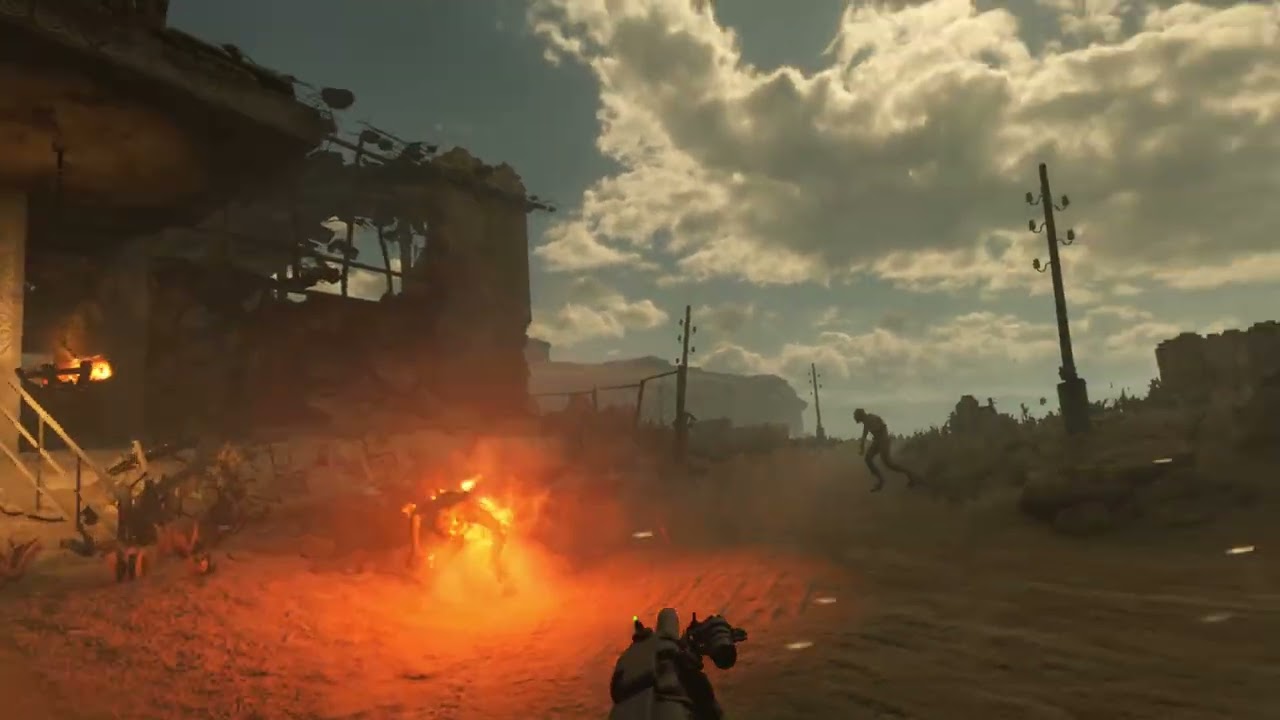
Metro Exodus VR is a free mod by RippeR37 that runs the main campaign of 4A Games' 2019 shooter in a PC VR headset with full 6DoF, so the game follows your head and hands, not only where they point. You aim and reload every weapon by hand, and your gear lives on your body: putting the gas mask on, swapping its filter and using a medkit are things you do yourself. You need Metro Exodus on Steam, in the Standard Edition, and you download the mod from its GitHub releases page. As of November 13, 2026 it is a public beta at version 0.9.1, with 0.9.2 in the works.
| Metro Exodus VR | |
|---|---|
| Price | Free. You need your own copy of Metro Exodus |
| Made by | RippeR37, a community modder, not 4A Games or Deep Silver |
| Covers | The main campaign; the two DLCs come later |
| Game version | Standard Edition on Steam, build 1.0.0.7 |
| Not yet | Enhanced Edition (undecided), Epic and GOG (in progress) |
| Headsets | PC VR through SteamVR or Virtual Desktop's VDXR |
| Current version | 0.9.1 beta, November 9; 0.9.2 announced, no date |
| Download | About 40 MB zip from GitHub |
The mod at a glance, checked November 13, 2026.
What you need
A Windows PC that already runs PC VR, a headset connected to it, and Metro Exodus on Steam. The mod contains no game files, and its README is blunt about it: "Only legitimate copies of Metro Exodus are supported by this project." Metro Exodus listed at $29.99 on Steam on November 13.
The edition matters. The mod supports only the Standard Edition, and the README says Enhanced Edition support "has not been decided yet." If you own Metro Exodus on Steam you own both: Valve's Enhanced Edition launch post says owners see a separate library item for it. Launch the plain Metro Exodus entry. If you have been playing the Enhanced Edition, Steam's notes on saves say chapter saves transfer between the two, but progress inside a level stays with the version it was made in.
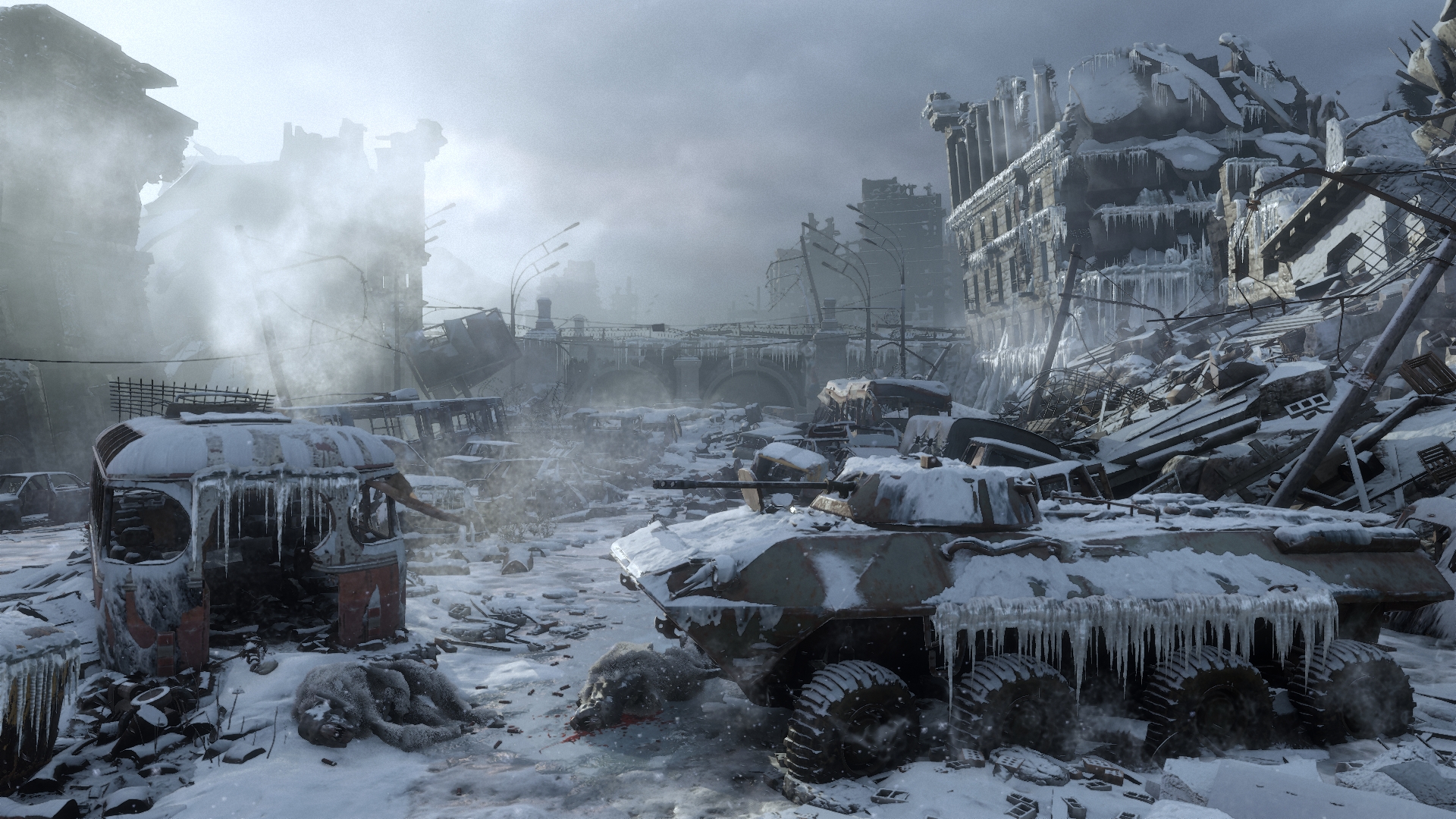
The mod publishes no minimum PC spec. Metro Exodus's Steam page recommends a GeForce GTX 1070, RTX 2060 or Radeon RX Vega 56 for the flat game, and VR draws every frame twice, once per eye, at your headset's refresh rate. Treat that as a floor.
How to install it, step by step
Tick steps off as you go. Your progress stays on this device, so you can follow along on your phone at the PC.
- Install Metro Exodus from Steam. Use the plain Metro Exodus entry in your Steam library, not Metro Exodus PC Enhanced Edition, which Steam lists as a separate item. Let Steam update it to the current build, 1.0.0.7. Epic and GOG copies do not work yet.
- Download the mod from GitHub. Get the latest zip from the releases page of RippeR37's MetroExodusVR repository, MetroExodusVR-0.9.1.zip at about 40 MB as of November 13. That page is the only official download.
- Extract the zip. Unzip it to a folder of your choice. You get a MetroExodusVR folder with MetroExodusVR.exe at the top. The README does not ask for a particular location.
- Start Steam, then your VR runtime. Both have to be running before the mod: SteamVR, or Virtual Desktop's VDXR if you play on a Quest over Wi-Fi.
- Run MetroExodusVR.exe. On the first start, choose how the built-in updater behaves: install new versions automatically, ask each time, or stay off. Then click the game window once so it has focus, or the controller pointer may not click anything.
- Load your save and tune Options, then VR. Your flat saves carry over, so you can continue mid-campaign. Check the Comfort, Movement and Graphics tabs before a long session.
On the updater: if you would rather read the release notes before anything new runs on your PC, pick "ask each time." Deleting the updater.json file in the mod folder brings the question back. To remove the mod, delete the folder you extracted.
Controls
| Action | Default |
|---|---|
| Move | Left stick |
| Turn | Right stick, left or right |
| Interact | Grip, or A/X on the left controller |
| Fire | Right trigger |
| Reload | By hand, or B/Y on the left controller |
| Crouch | Right stick down |
| Sprint | Left stick up, then up again |
| Pause | Menu button or right thumbstick |
| Recenter | Hold the menu button |
Default bindings from the mod's README. Rebind under Options, Controls, Controller, Configure Custom Layout.
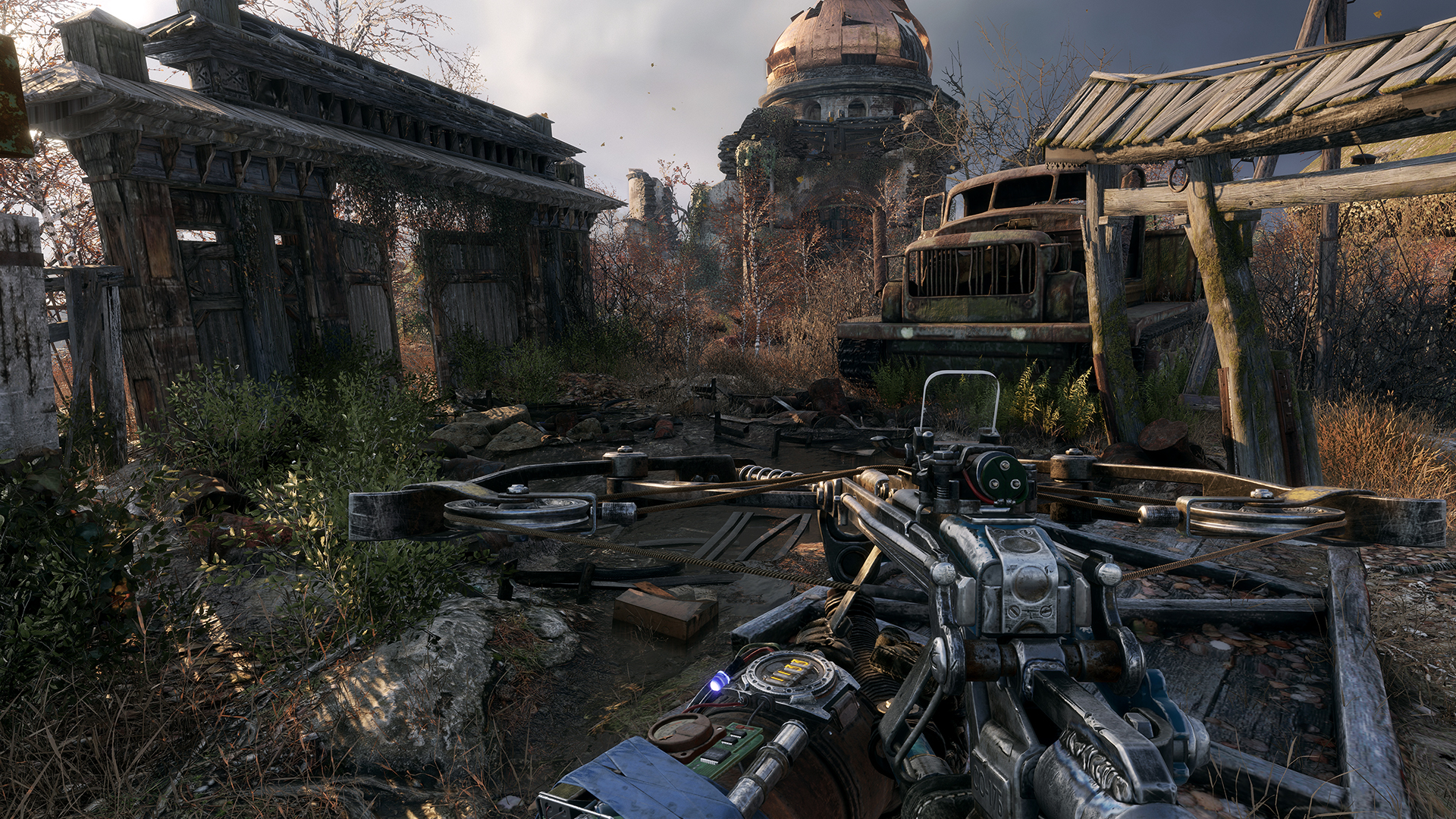
The rest happens with your hands. You handle and reload every weapon yourself, through custom animations and poses. Your mask, filters and medkits sit on your body, so in poisoned air you reach up and swap the filter yourself. The VR HINTS tab in the pause menu shows every body interaction with your current bindings. If grabbing a filter or charger off your body feels fiddly, the developer suggests setting the body position and rotation to LOCKED under Options, VR, Body. Keyboard and mouse and ordinary controllers still work.
Frame rate: the settings that help
Everything lives under Options, then VR, in nine tabs: Game, Graphics, Movement, Body, Hands, Weapons, Scopes, Interface and Comfort. If the frame rate drops, the README gives an order to work through:
- Turn on DLSS (NVIDIA, up to DLSS 4.5) or FSR2.
- Turn on Foveated Upscaling.
- Drop the game's quality preset.
- Turn tessellation off.
- Turn on Foveated Rendering.
- Switch to the Performance (AER+) rendering mode.
- Lower the render resolution in your VR runtime.
DLSS and FSR2 draw fewer pixels and rebuild a sharp image from them; foveated rendering spends less detail toward the edges of your view, where you notice it least. Movement is smooth on the left stick by default, so if that gets to you, go through the Comfort tab before a long session. bHaptics vests get experimental support.
If something breaks
| Problem | Fix |
|---|---|
| Crashes or freezes on Virtual Desktop | Update to 0.9.1, which fixed two VDXR crashes |
| Audio plays but the game stays flat | Fixed in 0.9.1 (HDR kept the game out of VR) |
| Crash right after a level loads | Fixed in 0.9.1 (NVIDIA Smooth Motion); update |
| The pointer will not click | Click the game window once so it has focus |
| Radio or four-way prompt does nothing | Hold the direction on the left stick |
| Stuck at a crawl or climb prompt | Reach out and grip with your hand instead of pressing X |
| A mash-the-button prompt fails | Tap very fast, or switch it to press and hold |
| Backpack, crafting or workbench ignore input | A known bug; the developer says 0.9.2 fixes it |
| Cannot find how to save | Pause menu, then Quick save |
Fixes from the mod's README, release notes and the developer's replies on its issue tracker, checked November 13, 2026.
Still stuck? Bugs go to the issue tracker, where the developer asks for the log from the mod's versions folder, or to the project's own Metro Exodus VR Discord, about 254 members on November 13. Several left-handed problems and a few story-specific stalls are still open there, so check before you report.
Is it safe to install?
VR.org downloaded the 0.9.1 zip and looked inside without running it. It holds 13 files: the mod's launcher, executable and DLL, NVIDIA's DLSS library (carrying NVIDIA's own signature), the bHaptics library and license texts. No game files. Its SHA-256 hash matches the manifest published with the release. When we checked the zip on VirusTotal on November 13, one of 67 engines flagged it, Bkav Pro, while Microsoft, Kaspersky, Bitdefender and Malwarebytes reported nothing.
Version history
The repository was created on November 4 and the first beta followed two days later. GitHub counted about 4,300 downloads of the two zips by November 13. RippeR37 has pointed to 0.9.2 in several issue replies, with a backpack grab, a fix for the crafting and workbench input, a fix for stuck crawl prompts and a new DEEP BLACKS graphics option, but no release date.
- Nov 6, 2026 0.9.0 The first public beta: the main campaign, Standard Edition on Steam build 1.0.0.7.
- Nov 9, 2026 0.9.1 Fixes two crashes on Virtual Desktop's VDXR, a crash after loading with NVIDIA Smooth Motion on, and HDR keeping the game out of VR. Moves the radio and four-way prompt to the middle of the HUD with a tutorial card.
Prefer an official Metro game in VR?
Metro already has one. Metro Awakening, Vertigo Games' 2024 prequel, was built for headsets from the start and sits on our ranking of the scariest VR horror games. This mod is the other route into the series: the full 2019 campaign, rebuilt around your hands.
More VR mods we have set up
These guides follow the same approach: what you need, where the official files live, and what to expect. The full list, with a difficulty rating for each, is on our best VR mods page.
- Mod guideTitanfall 2 in VR
- Mod guideHalf-Life 2 in VR
- Mod guideDiablo II: Resurrected in VR
- Our articleDead Space in VR
- Mod guideUnreal Engine games with UEVR
Frequently asked questions
Is the Metro Exodus VR mod free?
Yes. RippeR37's mod is a free download from its GitHub releases page. You need your own copy of Metro Exodus on Steam, which listed at $29.99 on November 13, 2026.
Does the Metro Exodus VR mod work with the Enhanced Edition?
No. The README says only the Standard Edition is supported and that later support for the Enhanced Edition has not been decided. Steam gives owners of Metro Exodus both versions as separate library items, so launch the plain Metro Exodus entry. Steam says chapter saves transfer between the two, but progress inside a level stays with the version it was made in.
Does it work with the Epic or GOG version of Metro Exodus?
Not yet. The README lists Steam build 1.0.0.7 as supported and Epic and GOG as work in progress, with no date.
Does the mod include The Two Colonels and Sam's Story?
Not yet. The beta covers the main campaign only, and the README says the DLCs will be available in VR in a later version. The developer says the DLC is locked during the beta.
Can I play Metro Exodus VR on a Quest 3 without a PC?
No. It runs on a Windows PC with Metro Exodus installed. A Quest 3, Quest 3S or Quest 2 works as the display over a Link cable, Air Link, Steam Link or Virtual Desktop, whose VDXR runtime the mod supports directly.
Do my Metro Exodus saves carry over to VR?
Yes. The mod shares save files with the regular game, so you can pick up a flat-screen campaign in VR. To save mid-level, use Quick save in the pause menu.
What PC do I need for Metro Exodus VR?
The mod publishes no minimum spec. Metro Exodus's own Steam page recommends a GeForce GTX 1070, RTX 2060 or Radeon RX Vega 56 with 8 GB of RAM for the flat game, and VR draws every frame twice, so treat that as a floor. The mod's DLSS, FSR2 and foveated rendering options exist to close the gap.
Is the Metro Exodus VR mod safe?
It contains no game files, and each release ships a manifest with a SHA-256 hash; VR.org checked that the 0.9.1 zip matches it. The mod is closed source and its own exe and dll files are not code-signed, so Windows may warn you. Download it only from the GitHub releases page.
Can you play Metro Exodus VR left-handed?
The README lists left-handed support, but several left-handed problems are open on the issue tracker as of November 13, 2026, so expect rough edges in the beta.
How do I uninstall it?
Delete the folder you extracted. The mod does not change the game's own files, and your saves stay with the game.