
Paint part of a PC VR frame one flat color. With the SteamVR 2.19.4 beta, posted on November 19, a Quest streaming that game through Steam Link will swap the color for your room.
SoftwareNovember 21, 2026
Steam Link on Quest Gets Chroma Key Passthrough in the SteamVR 2.19.4 Beta, Six Days After the Steam Frame
By Nina Castillo
Staff Writer, VR.org
Advertisement
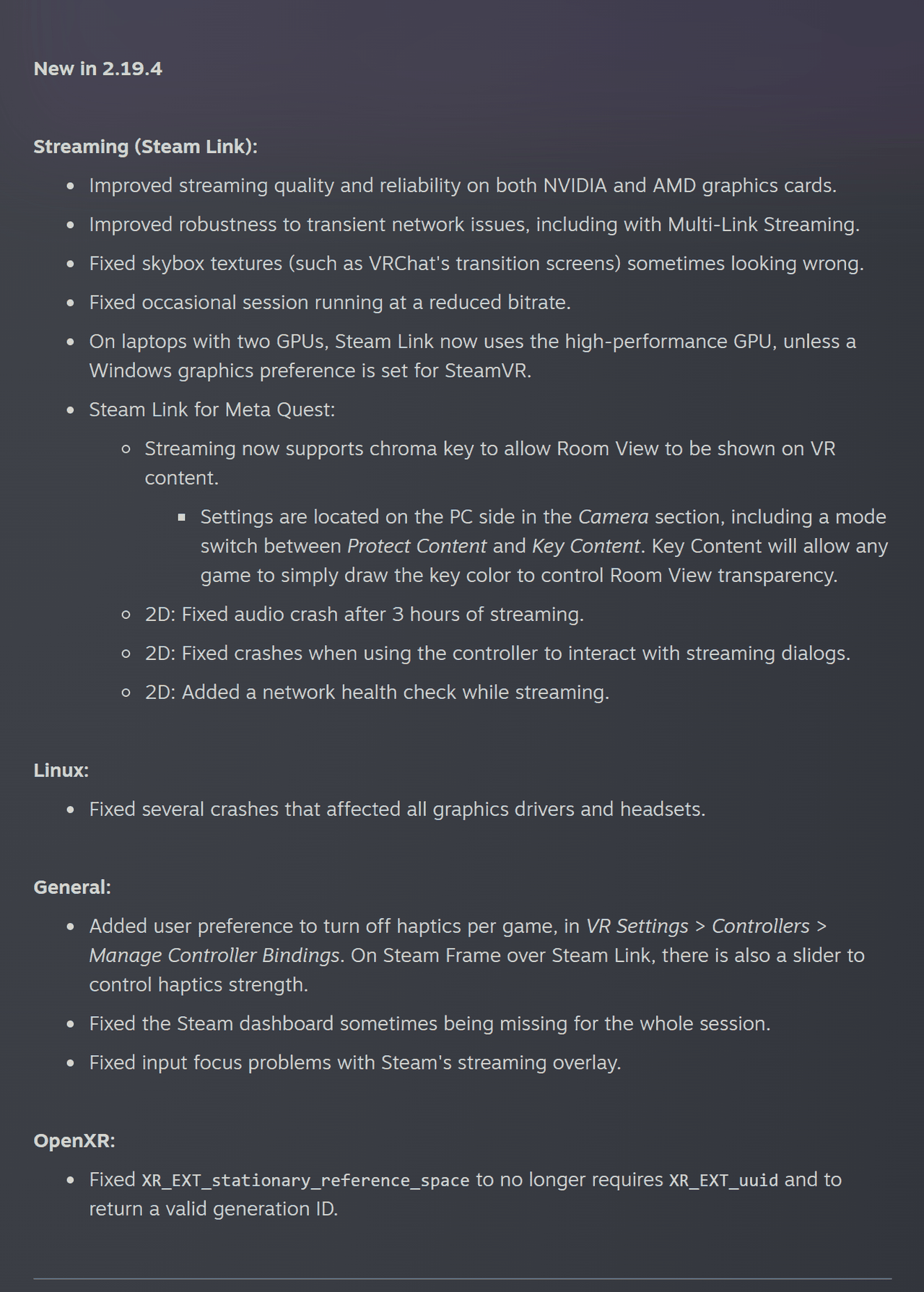
That trick is chroma key, the green-screen method from film sets and weather forecasts: pick one color, and everything drawn in it turns transparent. Room View is SteamVR's name for the headset's camera feed. Valve gives the feature two lines. The first says streaming "now supports chroma key to allow Room View to be shown on VR content." The second puts the settings "on the PC side in the Camera section," with a switch between two modes, Protect Content and Key Content.
Only one of the modes is explained. Key Content, the notes say, "will allow any game to simply draw the key color to control Room View transparency." What Protect Content does is not stated. Neither is the key color, or which Quest models are covered.

The Frame got it first
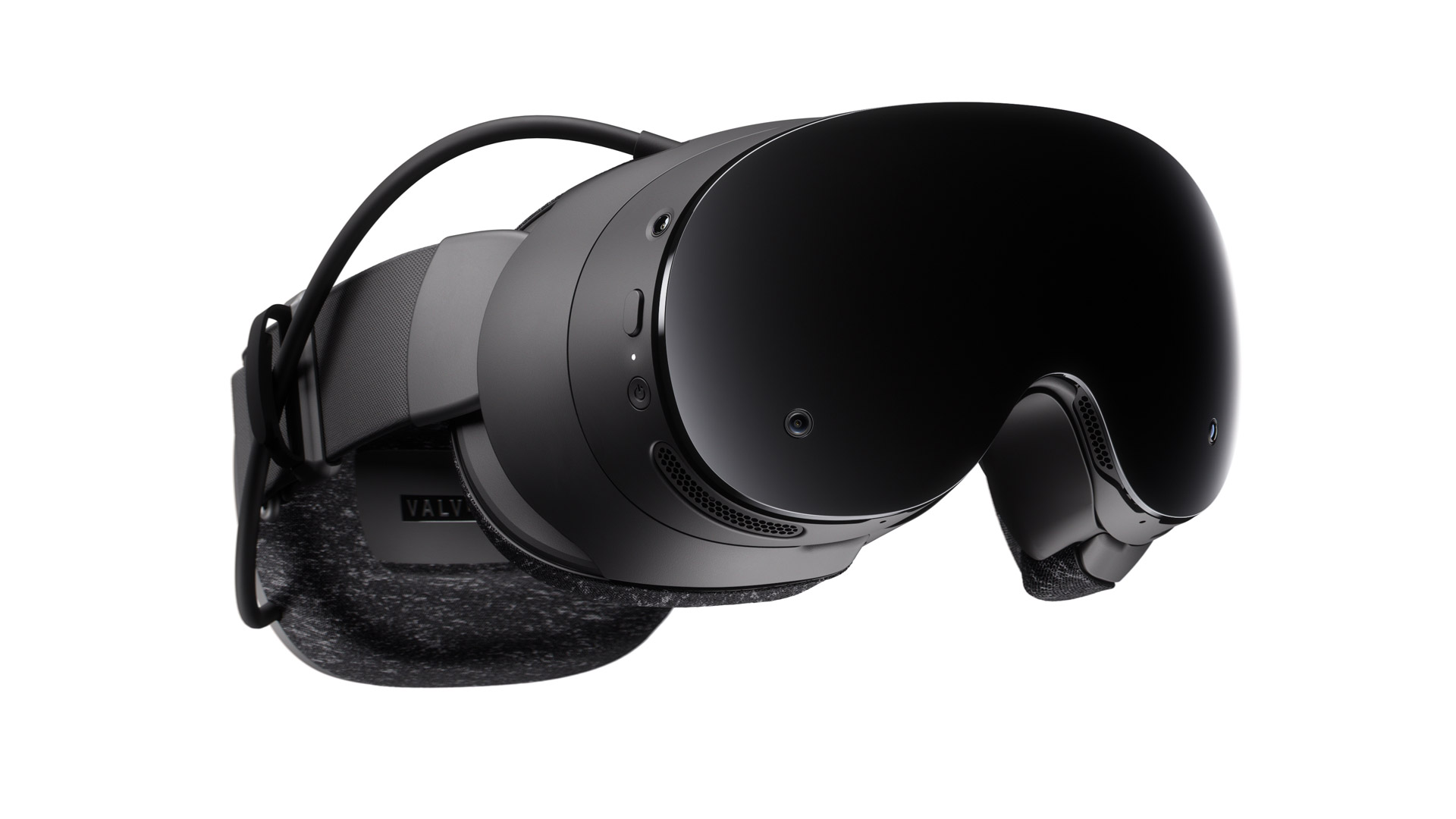
Steam Frame owners saw the same two lines on November 13, in SteamOS 0.5.9. The Quest followed six days later.
It is Valve's second route to mixed reality for streamed PC VR this month. The first arrived with SteamOS 0.5.8, and I wrote about it on November 10. There, a game that supports OpenXR's alpha blend mode hands over frames with per-pixel transparency, and the cameras fill the gaps. Valve's one example was X-Plane 12.
The two routes ask different things of a game. Alpha blend needs the game to speak OpenXR and to mark every pixel's transparency itself, so only titles built for mixed reality qualify. Chroma key asks for a color. An old OpenVR game can draw a color. So can a mod. The usual cost of a key is the color itself, because anything in the scene that happens to match goes transparent too. Protect Content may be Valve's answer to that. The notes do not say.
Virtual Desktop got there in 2023
None of this is new to Virtual Desktop, the paid streaming app that competes with Steam Link. MIXED's rundown of its 1.29 update, published October 5, 2023, lists a "VR passthrough option in streaming tab with configurable chroma keying."
Advertisement
Tools grew up around that option. OVR Locomotion Effect, a $9.99 comfort utility from the developer kurohuku, draws a dark ring at the edge of your view to settle your stomach. A patch note dated October 21, 2023 added a custom color for that ring, so the room could show there instead. Virtual Desktop, the note explains, "replaces a specific color from HMD output to passthrough video." That is the same contract Key Content describes. Nobody has shown the tool working over Steam Link, so treat it as precedent, not as a route.
Also in the notes
The OpenXR section holds one fix. XR_EXT_stationary_reference_space no longer requires XR_EXT_uuid, and it now returns a valid generation ID. A stationary reference space, in the extension's source text on Khronos's GitHub, is a world-locked origin that ignores recentering, finds its place again after tracking is lost, and persists across app restarts. The generation ID tells your app whether it is still looking at the same origin. When the runtime has to start over, the ID changes, and anything you saved against the old one is stale. Valve's Nathan Nuber is among the listed contributors.
Valve's notes do not connect that fix to Room View. The link is mine: a cutout meant to sit over your real desk needs an origin that stays put when you recenter.
Everything else is brief. You can turn haptics off per game, under VR Settings, Controllers, Manage Controller Bindings, and a Frame streaming over Steam Link gets a strength slider. On laptops with two GPUs, Steam Link now picks the fast one unless Windows has a graphics preference set for SteamVR. Skybox textures such as VRChat's transition screens no longer look wrong. Flat-screen streaming on a Quest no longer loses its audio to a crash after three hours.
How to try it
What you need: a Quest, a PC running SteamVR, and two beta channels. We have not tested this build. The steps are Valve's.
- Switch SteamVR to the beta. In your Steam library, right-click SteamVR, choose Properties, open the Game Versions & Betas tab and select "Beta - SteamVR Beta Update." Valve's own instructions run four lines.
- Switch Steam Link on the headset to its beta. Valve's notes point to "Release Channels" under Steam Link in the headset's application settings.
- Open the Camera section on the PC. That is where Valve says the chroma key settings live, including the switch between Protect Content and Key Content.
Then you need something that draws the key color, and Valve names no game that does. If you ship a PC VR title, this may be the cheapest mixed reality mode you are ever handed. One color, drawn where the room should be. Which color, Valve has not said.
Advertisement