
Turn on Room View while streaming a PC VR game to a Steam Frame and, until last week's beta, the game vanished. The headset showed you your room and hid everything coming from the PC. SteamOS 0.5.8, a beta build Valve posted on November 6, changes that. Your desktop, the game theater and, in games built for it, the game itself can now share the view with the headset's cameras.
SoftwareNovember 10, 2026
Steam Frame's New Beta Lets Streamed PC VR Games Show Your Room, With X-Plane 12 as Valve's Example
By Nina Castillo
Staff Writer, VR.org
Advertisement
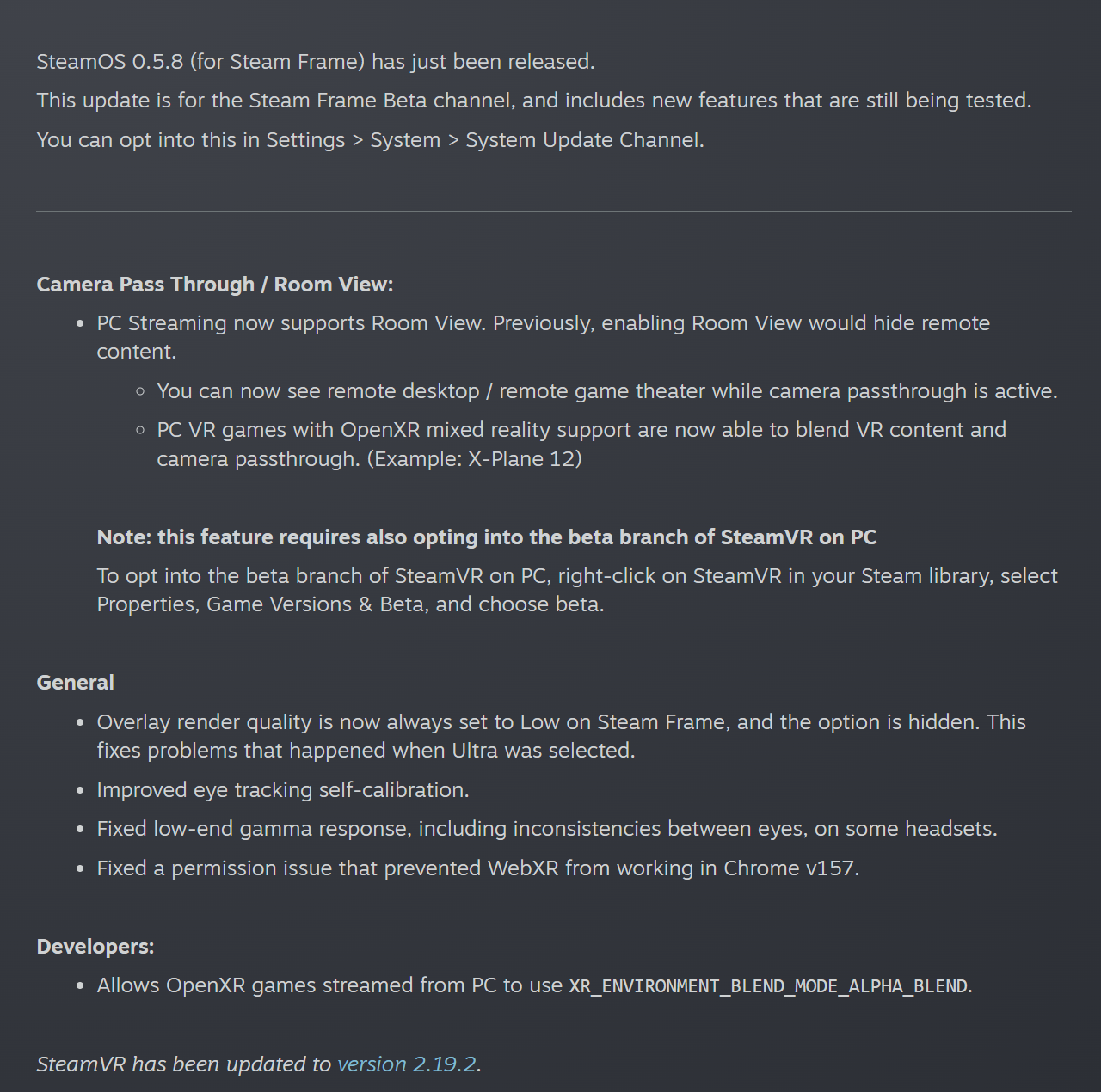
The line that matters most sits at the bottom of Valve's notes, under Developers. OpenXR games streamed from a PC can now use XR_ENVIRONMENT_BLEND_MODE_ALPHA_BLEND.
That is one value of OpenXR's environment blend mode, the setting that decides how an app's frames combine with the real world. The Khronos spec defines three. Opaque shows no physical world at all. Additive adds the app's light on top of the world, the mode built for see-through optics. Alpha blend uses the transparency of each pixel to decide where the real world shows through, which on a headset with cameras means the passthrough feed. A game can keep its own instrument panel and let the room fill in around it.
It is also a first for the Frame's changelog. Valve has published 15 update posts on the headset's Steam news page since September 17, and 0.5.8 is the first one to mention passthrough at all.
X-Plane 12 was ready for it
Valve gives one example game. X-Plane 12, Laminar Research's $59.99 flight simulator, rebuilt its VR mode in the update Laminar's 12.4.3 release notes call "The VR Release." The VR section of those notes lists "Complete rewrite of the VR system" and, one line later, "Support for Mixed Reality on supported devices." What the sim lacked on a Frame was anything that would accept a blended frame from a streamed PC game. SteamVR 2.19.2 on the PC and SteamOS 0.5.8 on the headset now supply it.

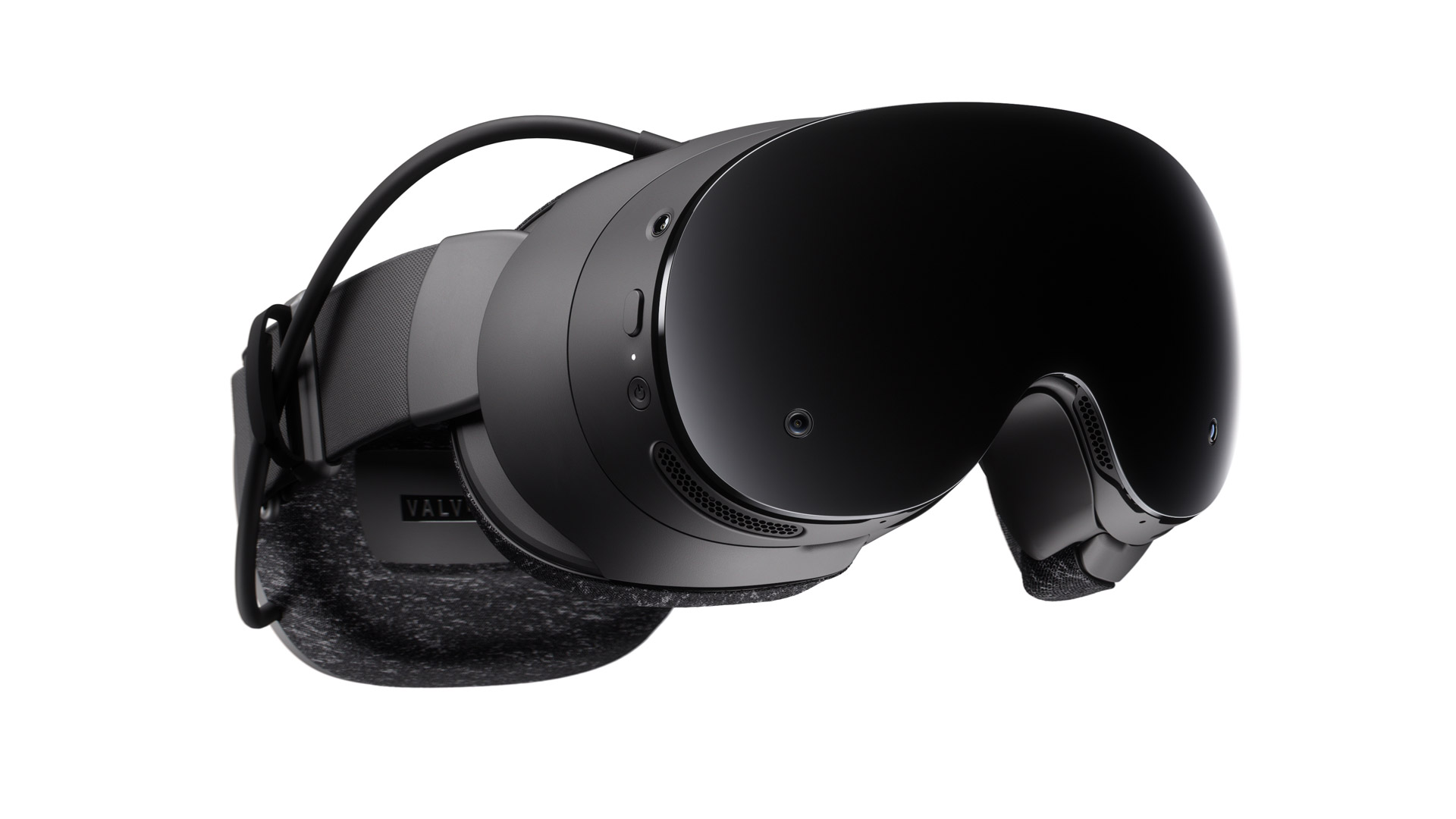
One thing to know before you try it in a cockpit. The Frame's built-in passthrough is monochrome. Color comes from the $149 Arcturus Vision camera, an add-on Jordan Kuo wrote about on launch day, when Valve's Steamworks guides for the headset did not mention passthrough once. The 0.5.8 notes do not say whether the blended view uses the Arcturus camera. Without one, your real yoke and throttle show up in black and white.
The rest of 0.5.8
Browser VR gets attention too. WebXR is the API that lets a web page open a VR session without an app install. SteamOS 0.5.7, posted November 3, enabled it in Chromium 157 and up, and 0.5.8 fixes a permission issue that stopped it working in Chrome 157. If you test WebXR pages, the Frame is now a headset you can test them on.
The rest is short. Overlay render quality is now locked to Low, with the option hidden, because Ultra was causing problems. Eye tracking self-calibration is better. And a gamma fix addresses dark tones that looked different in each eye on some headsets.
How to try it
What you need: a Steam Frame, a Windows PC with SteamVR, and both of them on beta builds. Nothing costs money unless you add the Arcturus camera.
- Put the headset on the beta channel. On the Frame, open Settings, then System, then System Update Channel, and choose the beta. It installs SteamOS 0.5.8.
- Put SteamVR on the beta branch. On the PC, right-click SteamVR in your Steam library, choose Properties, then Game Versions & Beta, and pick beta. That gets you SteamVR 2.19.2, which also fixes the overlay and menu regressions that 2.19.1 brought in last week.
- Stream and turn on Room View. Your desktop or game theater should now stay visible with the room behind it, instead of disappearing.
- Update the game. X-Plane 12 needs version 12.4.3 or later. Laminar's notes put its mixed reality buttons in the VR radial menu.
Valve's own first line calls these "new features that are still being tested," so expect rough edges. Switching both channels back to stable undoes everything.
If you ship a PC VR game, there is a quicker check. Run it on a Frame with both betas installed and see what xrEnumerateEnvironmentBlendModes returns. If alpha blend is on the list and your game already supports it on another headset, your mixed reality mode may work on the Frame without any Valve-specific code.
Advertisement