
OpenXR has mostly settled the parts of a cross-platform XR game that face the player, frame submission and input above all, to the point where a studio can ship one title to a Quest, a Galaxy XR and a Steam Frame without rewriting its controller code for each. The standard says far less about the room the player is standing in. That is exactly where Real VR Fishing, the seven-year-old Quest fishing sim published by Devs United Games, has put the feature that has been making the rounds on VR social feeds this week: players can flood the living room floor and keep the TV on the wall showing.
XrOctober 17, 2026
Real VR Fishing's Quest-Only Room Scan Floods the Floor and Leaves the TV Showing
By Jordan Kuo
Staff Writer, VR.org
Advertisement
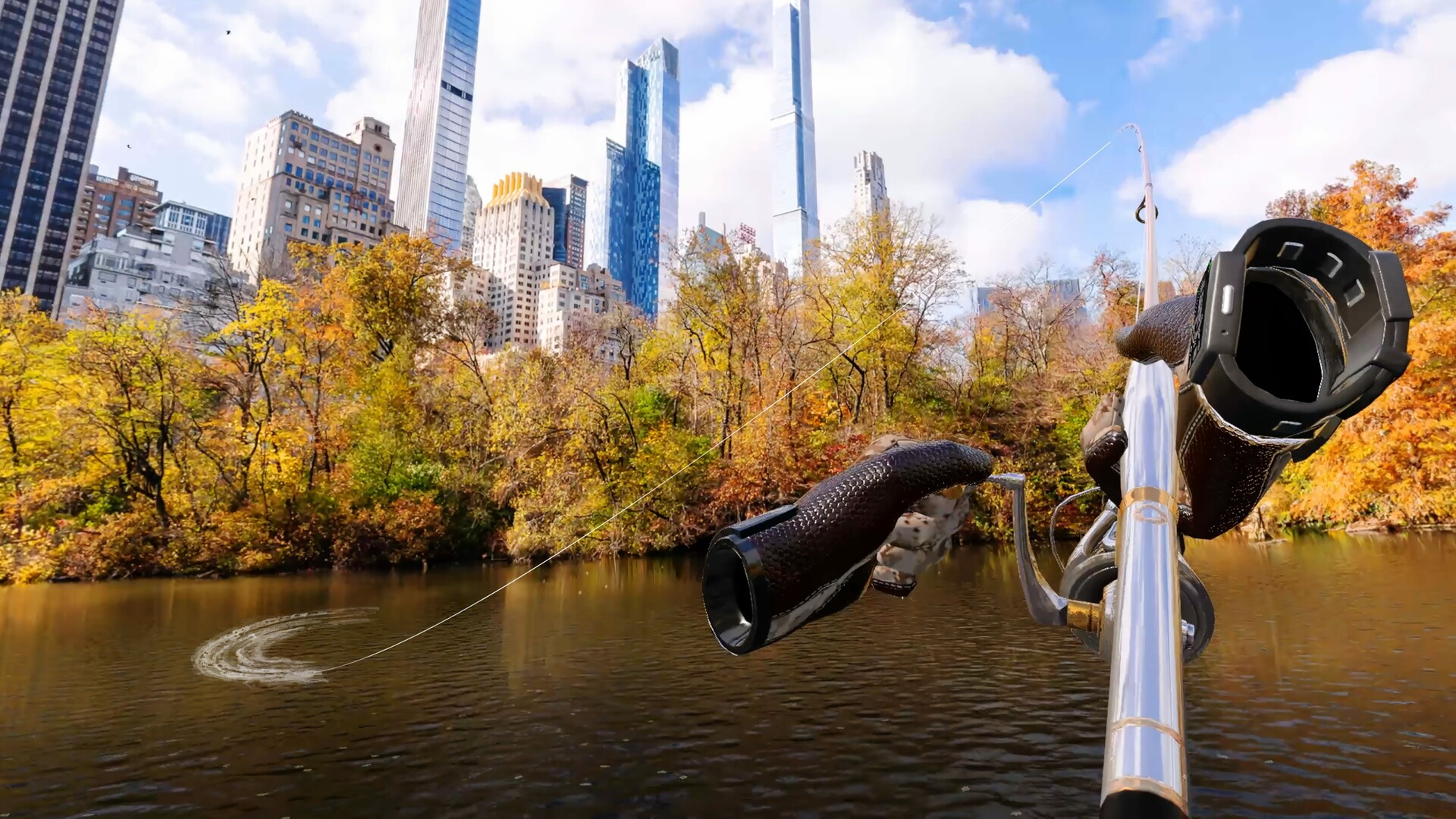
The mode arrived in the October 13 update. Six days earlier the studio previewed it in a developer post on the game's Quest listing, in a single line: "MR Fishing is a separate mode. Open a supported map and the ocean spreads across your room floor." Two days after the update went live, a developer who posts as u/Dustin_DUG put a clip on r/OculusQuest showing the version people actually wanted, along with the detail the patch notes skipped: "we added room scanning. You scan your room and pick which parts become the fishing spot, and everything else stays as your real room. So you can leave your TV visible with the game on and fish in the rest of the space."
That is the whole mechanic. It replaced a clumsier one.
From a browser panel to the actual television
Last December's Holiday Update, version 2.583, added something called MR Fishing Cinema to seven holiday maps, and the notes describe it without much ceremony: distant scenery was removed, only the water surface stayed, and "a large web browser screen appears where the scenery once was." In the Reddit post the developer calls that mode "kind of a test, not really expecting much," and says players liked it enough that the studio made mixed reality a permanent feature. The October version trades the virtual panel for whatever screen the player already owns, so the game no longer has to decode or draw the thing being watched; it only has to stop drawing over the corner of the room where the TV hangs. The in-game browser is still there, and asked about it in the thread, the developer said it plays Prime Video and Disney+, with Netflix unsupported for now.
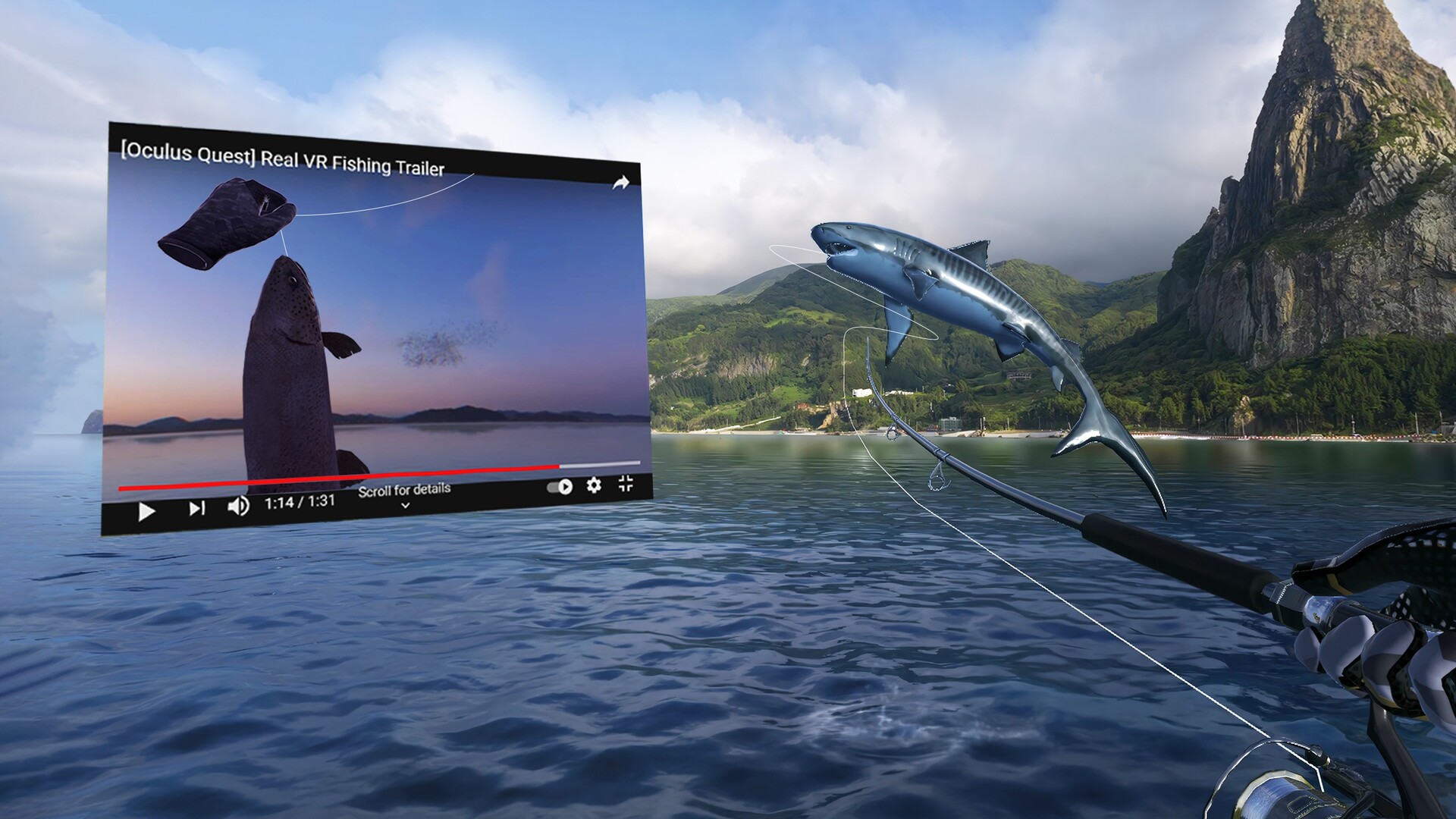
Anyone who shipped Android apps through 2016 and 2017 has seen this request before. Android 7.0 added multi-window support, and Android 8.0 (API level 26) let an activity drop into picture-in-picture on top of those same multi-window APIs, which amounted to the platform admitting that people want a video running while their hands and attention are busy with something else. A headset has no equivalent window manager to fall back on, because the app owns every pixel in front of the player's eyes, so the only choices are drawing the video inside the game or letting the room show through where the real screen sits. The second option has a cost, and a commenter named it, asking whether there was a way to watch a movie without relying on "the low camera quality directly looking at a tv." Plenty of others were happy to pay it. One planned to fish through the Dodgers and Brewers game.
What a room scan can know
On Quest 3 and Quest 3S, the developer pointed players to Space Setup, the system scan under Settings and Environment Setup that builds Meta's scene model of walls, floor, ceiling, a triangle mesh of the space and labeled furniture volumes. The studio has not said which of those the selection tool reads. Meta's list of supported semantic labels is public, though, and it includes SCREEN, represented as a 3D volume, next to COUCH, TABLE, LAMP and the rest, with a note on where they come from: "During Space Setup, users define objects such as couches, tables, and floors."
Advertisement
That label bears directly on the most practical request in the thread, a commenter asking for "some kind of screen detection that activates passthrough on the actual screen section only." The developer's reply was "We'll do some R&D for that!" On a Quest, part of that problem already has a name in the data, provided the player marked the TV while setting up the room. Off a Quest, the shared vocabulary is thinner. Khronos released its OpenXR spatial entities extensions for developer feedback on June 10, 2025, and the plane tracking extension in that set defines its semantic labels as uncategorized, floor, wall, ceiling and table. Flooding a floor is portable on paper. Telling a television from a bookcase is not, at least not through the standard.
Real VR Fishing already runs off the Quest. It is on Galaxy XR, where Android XR lists support for that cross-vendor plane extension alongside its own XR_ANDROID_scene_meshing, and when a commenter asked whether the new mode had parity there, the developer answered, "This feature is currently only available on Meta Quest!" It is on Steam as well, and in September its Android build was among the titles Valve tested for the Steam Frame's Android runtime, on a headset whose own cameras show the room in monochrome unless the owner adds a $149 accessory. Nobody at the studio has said what keeps the mode off those builds. Room data is the obvious suspect, and the scene layer is the part of an XR codebase that tends to port worst, but that is an inference, not something the developer has stated.
How to try it
What you need: a Quest 3 or Quest 3S and Real VR Fishing, which is $19.99 on the Meta Horizon Store and, the developer says, playable through the Horizon+ catalog. The mode is part of the base game, with no DLC involved.
- Update the game. The mode arrived in the October 13 update.
- Scan your room, if you never have. The developer's own steps are Settings, then Environment Setup, then Space Setup, which some menus list as Physical Space.
- Start MR Fishing on a supported map. The ocean spreads across your floor, and you choose which parts of the scanned room become water. Everything you leave out stays as your real room, which is how the TV stays in view.
- For ice fishing, select Passport on the World Map. It turns the floor to ice. It is labeled an early version, and players cannot cut their own hole yet.
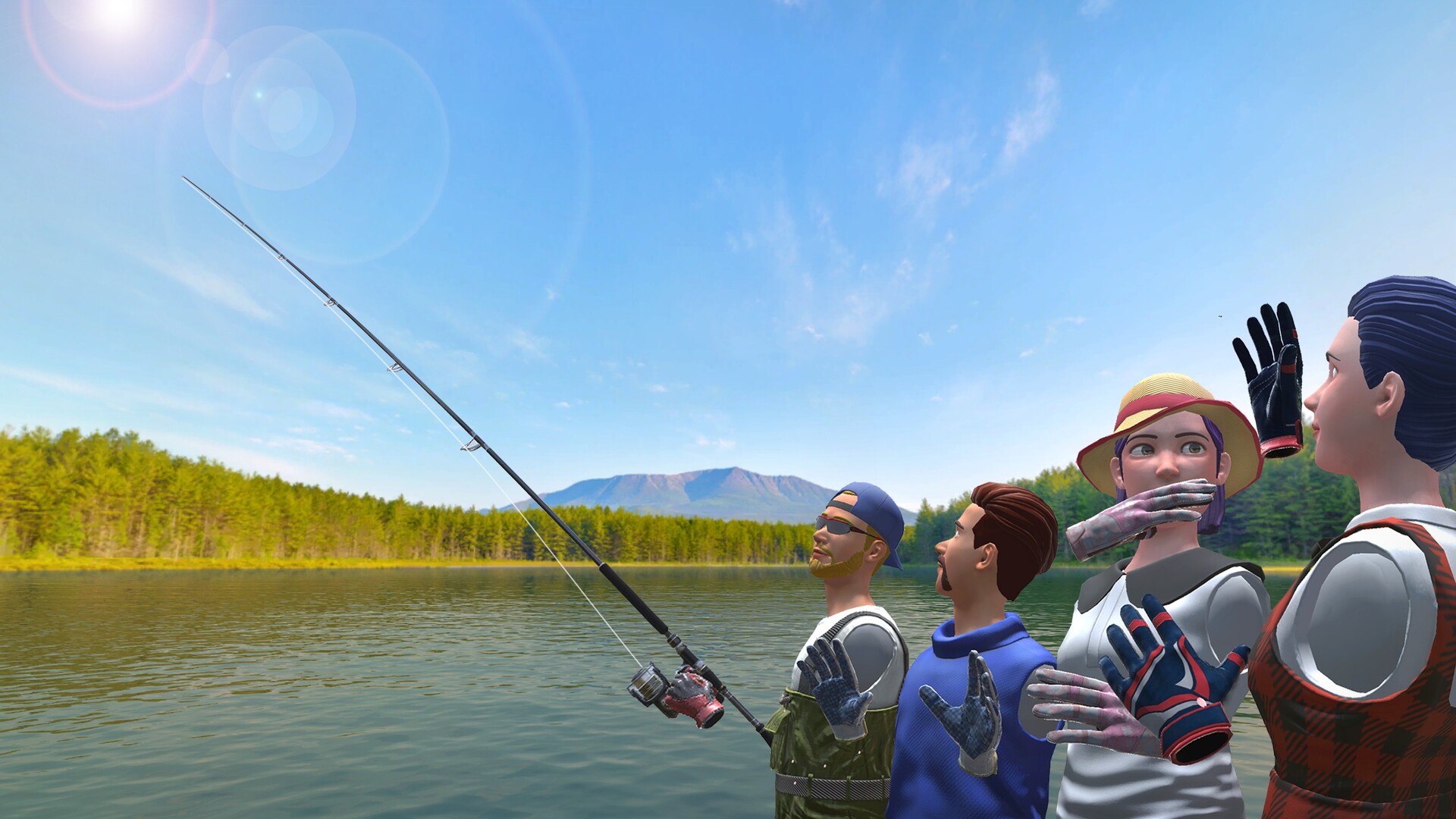
Multiplayer works in mixed reality, with other anglers appearing, in the developer's words, "as if they're right there in your room with you." The store lists Quest 2 and Quest Pro for the game itself, but the studio has not said whether the room scan works on either.
For a team planning mixed reality features into 2027, this one is instructive mostly because of its size. A player picks which scanned surfaces become water and the game stops drawing everywhere else, which is about as small as a feature that travels this far gets, and it works because Meta's scene model hands the game a labeled room to pick from. That same dependency is the likeliest reason it has not left the Quest. Until the cross-vendor label list grows past floors, walls, ceilings and tables, anything that needs to know what an object is, and not merely where a flat surface sits, gets written one runtime at a time.
Advertisement