
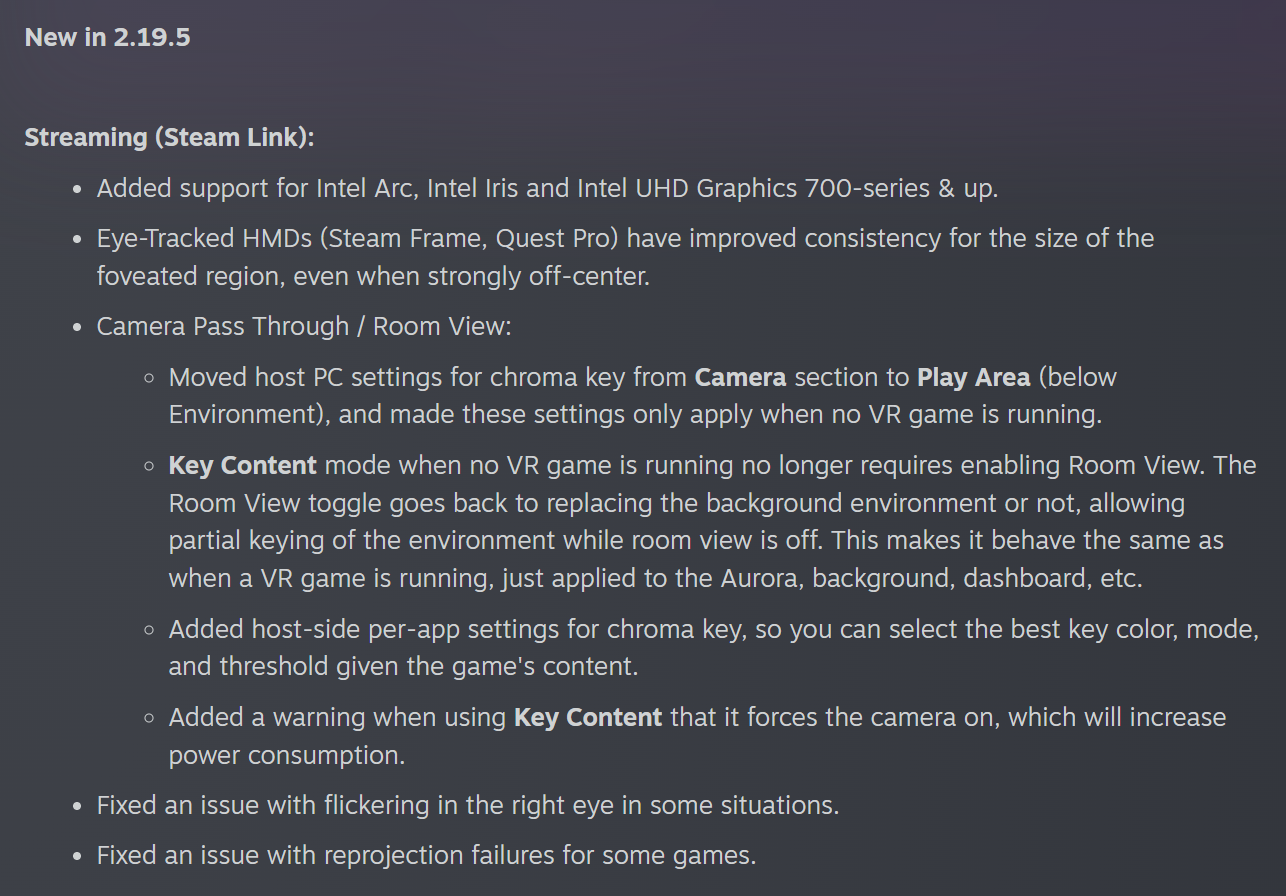
Steam Link, Valve's free app for playing your PC's games on a headset, now supports Intel graphics in beta. The change is one line in the SteamVR 2.19.5 notes, posted on November 25: "Added support for Intel Arc, Intel Iris and Intel UHD Graphics 700-series & up." Arc is Intel's line of graphics cards, though some of its laptop chips use the name too, while Iris and UHD graphics are built into its processors. Valve calls the build "a candidate for a full release."
SoftwareNovember 29, 2026
Intel Doesn't Support VR on Its Arc Cards, but Valve's Steam Link Beta Now Does
By Nina Castillo
Staff Writer, VR.org
Steam Link on Intel graphics at a glanceChecked Nov 29, 2026
- Now supportedArc, Iris, UHD 700+Added to Steam Link in the SteamVR 2.19.5 beta
- StatusBetaValve calls it a candidate for a full release
- One owner's reportArc B580Says Half-Life: Alyx runs on Ultra, streamed to a Steam Frame
- Known freezeDirect3D 11 gamesReported on a B580 with the older SteamVR 2.17.10
- ALVRNightly builds onlyIts Intel encoder for Windows is not in a stable release
- Meta Horizon LinkNo Arc support yetMeta says it is working on it
- Windows 10 or newer
- 5GHz Wi-Fi router, Wi-Fi 5 or newer
- Steam Link runs on Quest and Steam Frame
- Intel's support page still says no VR on Arc
Where to get it
Both are free. For Intel graphics, switch SteamVR and your headset to their betas first. Valve's steps are below.
Advertisement
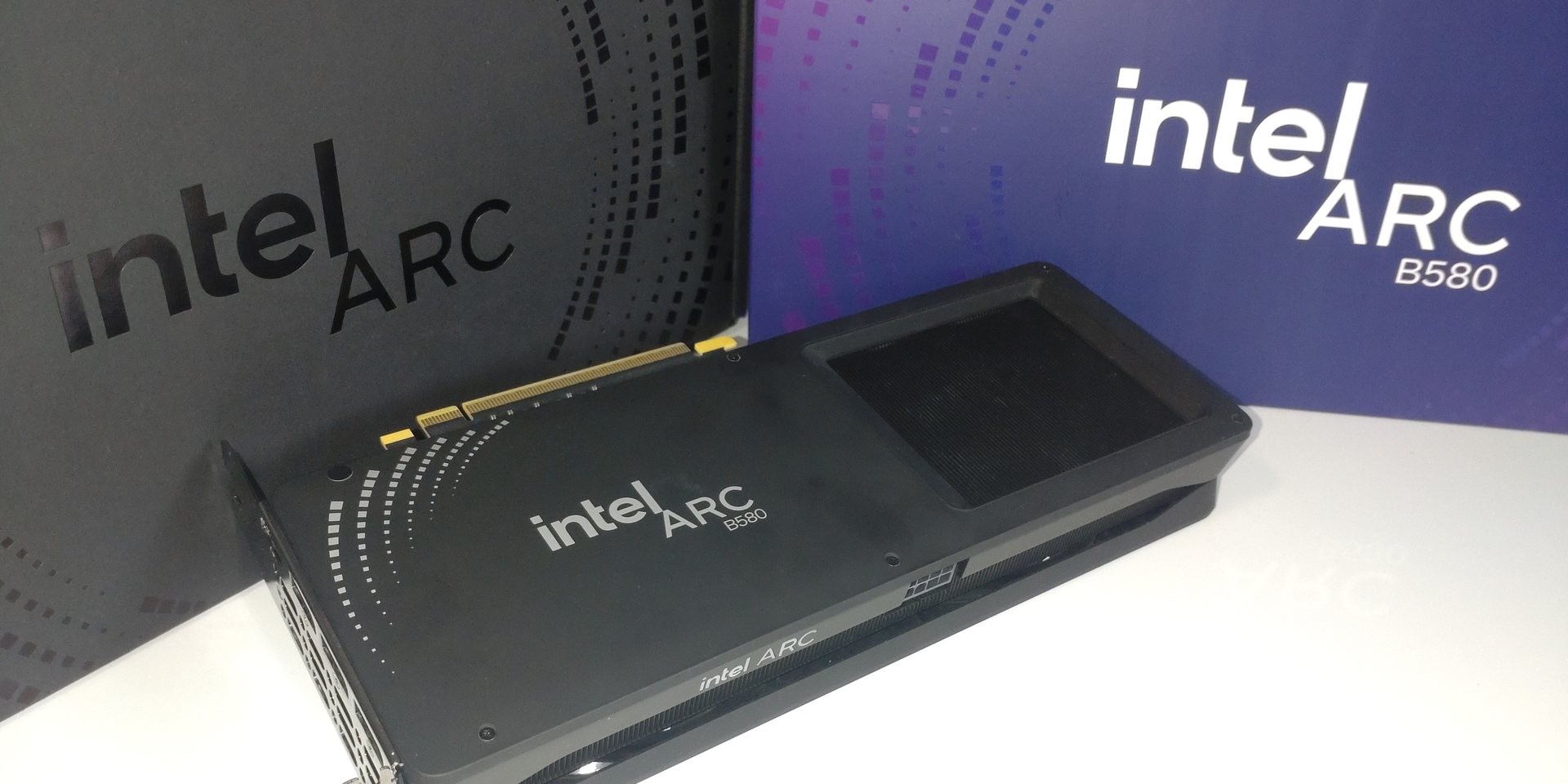
Intel says something different. On October 19, an Intel representative closed a bug report from an Arc B580 owner with one sentence: "Please note that VR is not supported on Intel GPUs." The reply linked to Intel's support page, which says the same about its Arc A-series and B-series cards. Valve's beta came out 37 days later, and Intel's page still says no.

What Valve added
When you play over Steam Link, your PC draws each frame, compresses it into video and sends it to the headset over Wi-Fi. A hardware encoder, a part of the graphics chip, does the compressing, and Valve's FAQ for Quest, HTC and Pico headsets shows how much it matters. On those, you need at least an NVIDIA GTX 970 or an AMD RX 570, yet two newer AMD cards, the RX 6400 and RX 6500 XT, are ruled out for "No hardware encode."
Arc cards have an encoder that handles H.264, HEVC and AV1 video, according to Intel. Valve hasn't said which format Steam Link uses on Intel chips, which driver you need or how well any of them run. Its FAQ doesn't list Intel yet.
One B580 owner tried it
On September 28, a SteamVR forum member called CaptainKalibak had just received a Steam Frame, only to find it couldn't stream PC VR from their B580. On November 26, they posted an update: "IT WORKS!" Their PC has a Ryzen 5 7600X, 32GB of RAM and a 12GB B580. It streamed these games to the Frame wirelessly:
- Half-Life: Alyx, on Ultra: "Minor occasional stutters, but absolutely playable."
- Gunman Contracts, on High: "only occasional stuttering." The post doesn't say whether this was the Alyx mod or the standalone game.
- Titanfall 2, with a VR mod (our guide): it runs, but with "some stereoscopic issues" the owner still wants to look into.
This is one person with one PC, and the post gives no frame rates. I couldn't find anyone who has posted results with a Quest, or with Iris or UHD graphics. Support doesn't mean your chip is fast enough, either: SteamVR's store page still asks for a GTX 970, a Radeon R9 290 or an equivalent.
Advertisement
If a game freezes
The report Intel closed is still useful if you own a B580. Its author, kapitoxapux, found that games using Direct3D 11, an older Windows graphics system, froze SteamVR within seconds. Drums Rock and Beat Saber both did it, while a Direct3D 12 game didn't. The freeze also happened with no headset connected.
They sent the bug to Valve too, with a suggested fix. That was on the older SteamVR 2.17.10, and the 2.19.5 notes don't mention the bug. The thread had no replies on November 29. If one game freezes for you and another runs fine, this could be why.
The open-source app that got there first
ALVR, a free, open-source app for streaming PC VR, already lists Intel graphics: "Arc, Tiger Lake or newer." (Tiger Lake chips are Intel's 11th-generation laptop processors.) On Windows, that support came from luca-schlecker, whose experimental code was tested on a B580 and added on November 20, 2025. Before that, ALVR on Windows fell back to software encoding on cards like the B580, without using the card's encoder.
There's a catch: ALVR's last stable release, 20.14.1, is four months older than that code. On Windows you need a nightly build, an automatic version that the project calls "untested and potentially unstable."
The paid app Virtual Desktop also supports Arc cards, according to a December 2024 guide from MIXED. Meta Horizon Link, Meta's own PC VR app, still doesn't, though Meta's help page says it is "working to add support for these GPUs in future updates."
How to try it
What you need: one of the Intel chips on Valve's list, Windows 10 or newer, a 5GHz Wi-Fi router, and a Quest or Steam Frame. We haven't tested this build. The steps come from Valve's notes and help pages.
- Switch SteamVR to its beta on your PC. In your Steam library, right-click SteamVR and choose Properties. Open Game Versions & Betas and pick the SteamVR beta. Valve's instructions cover this step.
- Switch your headset to its beta. On a Quest, find Steam Link in the headset's app settings and open Release Channels. On a Steam Frame, go to Settings, System, System Update Channel to get SteamOS 0.5.11.
- Connect and start a game. If your laptop has two graphics chips, Steam Link uses the faster one unless you've set a preference for SteamVR in Windows.
If something goes wrong, Valve asks you to post in its SteamVR bug forum and include a system report if you can.
You choose the key color
2.19.5 also answers a question from my November 21 story about chroma key, the green-screen trick that shows your room inside a PC VR game. Which color does it look for? You choose. Each game now has its own settings for key color, mode and threshold. The controls for when no game is running have moved from Camera to Play Area.
Need a headset? Steam Link runs on the Quest 3S
The Amazon link is an affiliate link: VR.org earns a commission if you buy through it, at no extra cost to you.
As an Amazon Associate VR.org earns from qualifying purchases. Amazon links on this page are marked where they appear, they never change what we recommend, and the maker's own store is always listed first.
Advertisement