
Titanfall 2 VR is a free mod that puts the game's whole 2016 campaign inside a headset. Both eyes get their own image. Your hands aim the guns, every weapon reloads by hand, and the Titans have their own controls. You do not unzip anything to get it. You download one program of about 350 KB from CircuitLord's installer repository on GitHub, start your headset's PC software, and press a button marked Launch in VR.
GamingOctober 4, 2026
How to Play Titanfall 2 in VR, and What CircuitLord's Installer Does to Your Game Folder
By Nina Castillo
Staff Writer, VR.org
Advertisement
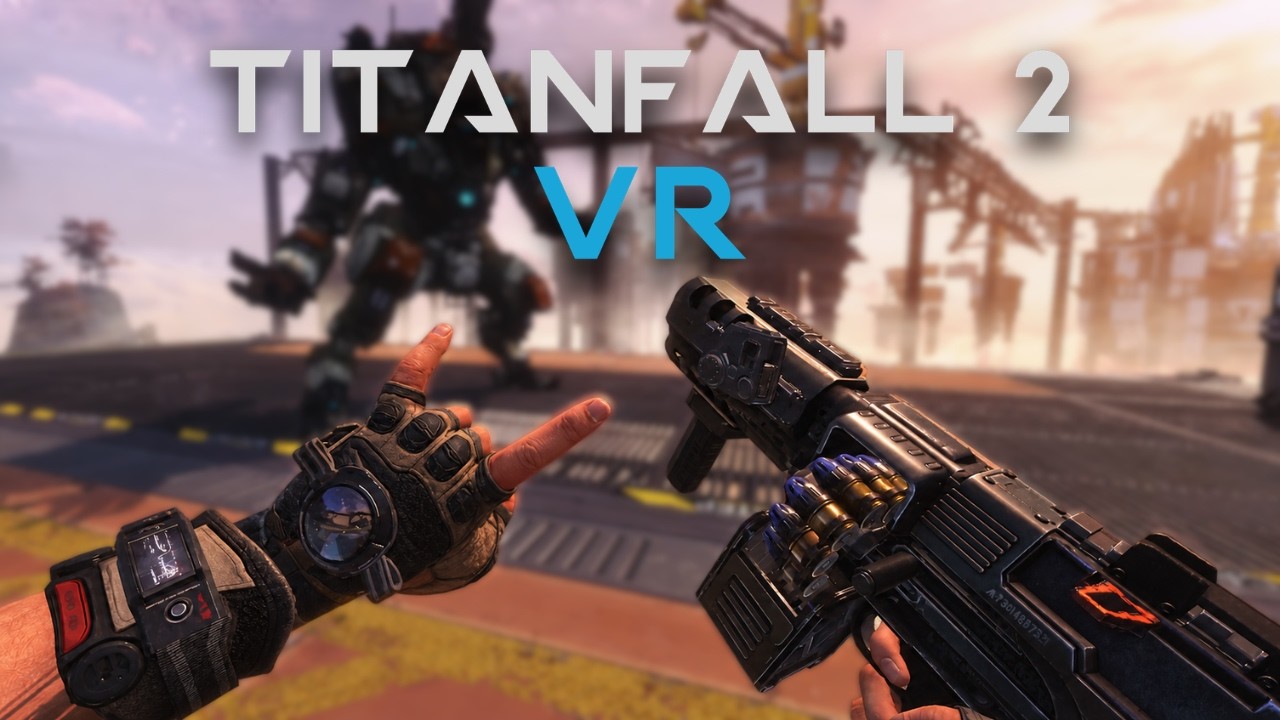
VR.org gave the release one paragraph in Friday's roundup, working from Road to VR's report. This is the setup guide that paragraph had no room for, plus what the repository says the installer does to your game folder.
What you need first
The installer and the mod both update often, and the Titanfall 2 VR guide keeps these steps current.
- A Windows PC and a headset that connects to it. Nothing here runs on a headset by itself, which makes it the opposite of the Half-Life 2 emulation project from August.
- Your own copy of Titanfall 2. The mod contains no game. The installer's README says it looks for a Steam, EA app or Xbox install, so any of the three should do. On Steam the game was $4.49 on Sunday, 85 percent off its usual $29.99.
- The EA app, signed in. Titanfall 2 will not start without it, even when you bought it on Steam. If you have never run the game, launch it once the normal way and Steam installs the EA app for you.
- A VR runtime. The mod's own listing calls it "OpenXR campaign VR support for Titanfall 2." OpenXR is the shared standard that lets one game talk to many brands of headset software, and the README's instruction is to start "SteamVR/your VR runtime of choice" before launching.

What happens when you run it
- Download the installer. Get it from the repository's releases page and open it.
- Let it set things up. It finds Titanfall 2 and checks for the EA app. Then it downloads two things: the mod, and Northstar, the open source mod loader the Titanfall 2 community built so players could host their own servers. Both go into a folder named TF2VR inside your game directory. The mod package is 73.9 MB, version 1.0.12, and still carries a beta label.
- Approve the admin prompt if one appears. If your game lives under Program Files, Windows asks for administrator access. That folder is read-only for normal accounts, and the installer says so before it asks.
- Start SteamVR, or whichever runtime your headset uses.
- Press Launch in VR. That is the only way in. Start Titanfall 2 from Steam as usual and you get the flat, unmodded game.
Saves are kept apart as well. VR sessions write to %LOCALAPPDATA%\Respawn\Titanfall2_VR, and the release notes for installer v1.2.4 say the VR campaign always starts a new save. Your old progress is safe. It is also not coming with you, so plan on starting from the first mission.
Advertisement
What the repository tells you
Opening the source answers a question worth asking of any program that writes into a game folder. Every download is checked against a SHA-256 hash, a fingerprint of the file that changes if a single byte does. Northstar is pinned to one release, v1.31.13, with its hash written into the code, so you get the build CircuitLord tested and not whatever is newest that day. The installer records each file it writes, and the README says uninstall "removes exactly what was recorded."
Since v1.2.6 it also refuses to launch when another mod has replaced dxgi.dll or d3d11.dll, two DirectX files that graphics mods like to swap out, and it names the files to remove.
One limit on all that. The installer is MIT licensed and readable. The mod it installs is closed source, all rights reserved. You can audit the program that touches your game folder, and you cannot audit the plugin it puts there.
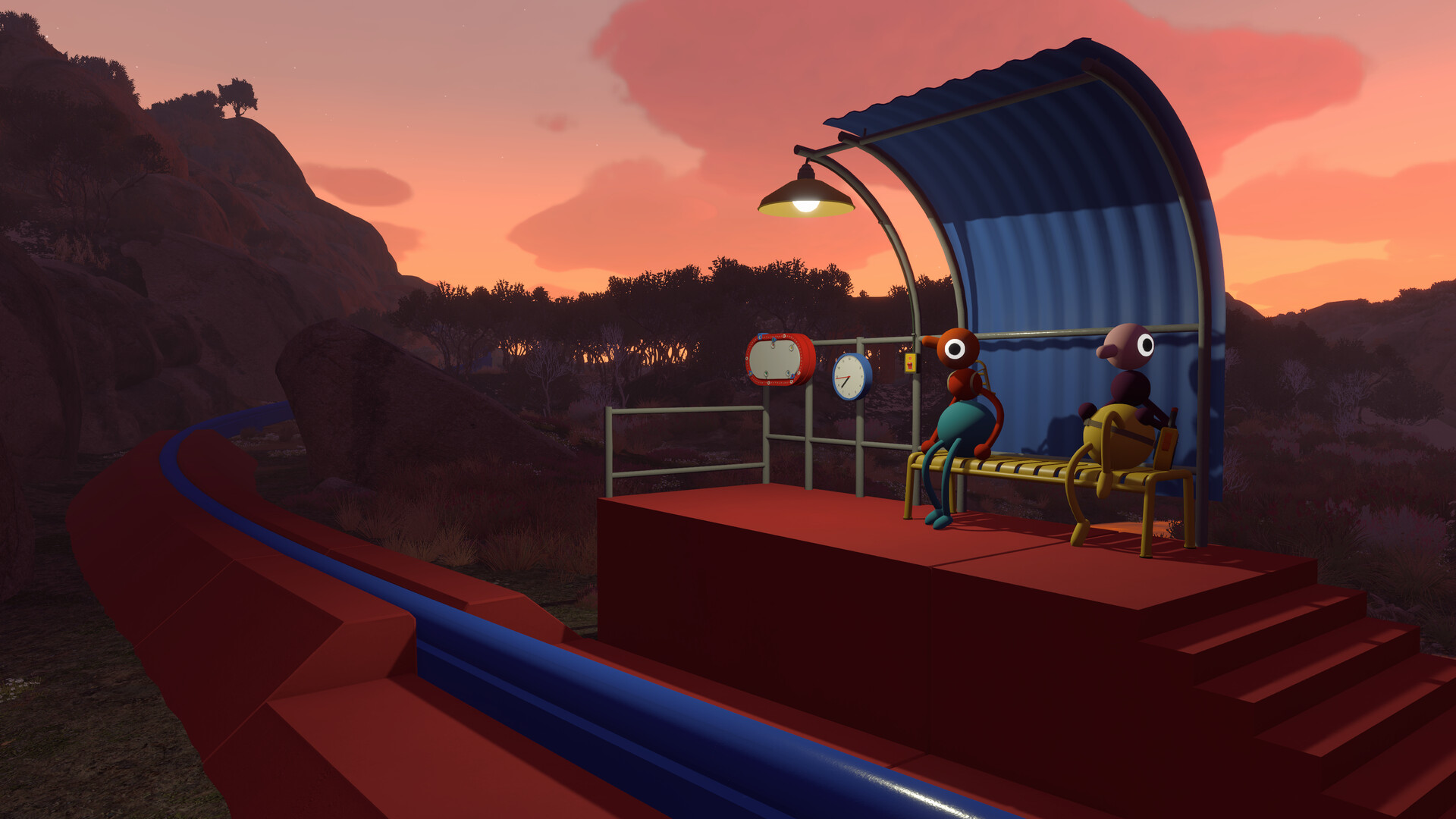
The tool is two months old. It appeared on August 6 as an installer for a VR mod of Big Walk, two days after House House released that game, and one of its cache folders is still named BigWalkVRInstaller. Titanfall 2 support arrived in v1.2.0 on September 29. Six more builds followed by October 3, mostly crash reporting and clearer launch errors. GitHub counts 41,586 downloads across those seven builds. Treat that as a ceiling on players and not a count of them, because the installer updates itself and each update is another download.
Before you wall-run
This is campaign only. Road to VR asked CircuitLord about multiplayer and had no answer to publish, which leaves an odd fact standing: the mod rides on a loader written for multiplayer servers and offers none.
It is also a lot of motion. Titanfall 2 has you sprinting along walls and swinging on a grapple, and Road to VR's Scott Hayden put it plainly: "The amount of motion in the game goes above and beyond even a regular flatscreen shooter." Snap turning is in the options. It will not save you from the wall-running.
The README lists no minimum PC spec and no frame rate target, so nobody can tell you in advance how it runs on your graphics card. If it will not start, the same README links the project's Discord, and the installer builds a crash report you can hand over there. Keep the first session short.
Advertisement