
Best VR Apps & Utilities 2026
Last updated: October 20, 2026
Part of our Best Of 2026 guide collection.
VR is not just about games. The best VR headsets are also powerful tools for productivity, creativity, fitness, and social connection. These ten apps and utilities are essential software for anyone who owns a VR headset in 2026, whether you use it for work, play, or both. We refresh this list as apps launch, evolve, and shut down.
1. Virtual Desktop
Developer: Virtual Desktop, Inc. (Guy Godin) | Platform: Quest, Pico, Vive, Galaxy XR | Category: Streaming & Productivity
Virtual Desktop is the single most important app in the Quest ecosystem. It lets you wirelessly stream your entire PC desktop into VR, including SteamVR and PC VR games, with remarkably low latency. The image quality and performance have improved so much over the years that many PC VR players use it as their primary way to play. You can also use it as a giant virtual monitor for regular desktop work, web browsing, or media. An August 2026 beta added wired USB streaming on Quest (Horizon OS v2.4 or later), about a month before Valve's Steam Link got the same trick, and Galaxy XR owners get eye-tracked foveated streaming. If you own a Quest and a gaming PC, Virtual Desktop ($24.99) is the first app you should buy.
2. Immersed
Developer: Immersed Inc. | Platform: Quest | Category: Productivity
Immersed turns your VR headset into a multi-monitor workstation. You can project up to five virtual screens in your VR space, each mirroring your actual computer or running independent virtual displays. The mixed-reality mode lets you see your keyboard and desk while working in VR, which makes extended sessions practical. Remote workers and developers who want more screen real estate without buying physical monitors have made Immersed one of the most popular productivity apps on Quest. The free Starter tier gives you up to three screens, and Immersed Pro (from $5.99 a month) raises that to five and adds more features.
3. VRChat
Developer: VRChat Inc. | Platform: Quest, PC VR, iOS, Android | Category: Social
VRChat is the largest social VR platform and one of the most important applications in the entire VR ecosystem. Users create custom avatars and explore thousands of community-built worlds ranging from chill hangout spots to elaborate game worlds and creative showcases. The community is massive and diverse. You can attend live comedy shows, visit art galleries, play mini-games, or just sit around a virtual campfire and talk. For many people, VRChat is the primary reason they use VR. It runs on Quest standalone with cross-play to PC, and is now also on iOS and Android, giving it the widest audience of any social VR platform.
4. Bigscreen
Developer: Bigscreen Inc. | Platform: Quest, PC VR | Category: Entertainment & Social
Bigscreen puts you inside a virtual movie theater with a screen the size of an IMAX display. You can watch your own content, stream your PC desktop, or join public rooms where movies and shows are playing for a communal viewing experience. The 3D movie support is excellent, and watching a film in a virtual cinema with spatial audio genuinely rivals the feeling of a real theater. Bigscreen also supports private rooms for watching with friends, making it one of the best social entertainment apps available. It is free to use. Updates have slowed while the company builds its Beyond headsets: the Steam version's most recent patch, in April 2026, was a round of minor bug fixes.
5. Gravity Sketch

Developer: Gravity Sketch Ltd. | Platform: Quest, PC VR | Category: Design & Creativity
Gravity Sketch is a professional-grade 3D design tool built for VR. Automotive designers, product designers, and artists use it to sketch, model, and iterate on 3D concepts at real scale using intuitive hand gestures. Drawing a car body line at 1:1 scale in VR, walking around it, and adjusting proportions with your hands is a workflow that simply cannot be replicated on a flat screen. Major companies including Ford, Adidas, and Nissan have integrated Gravity Sketch into their design pipelines. The free tier is generous enough for individual creators.
6. Wander
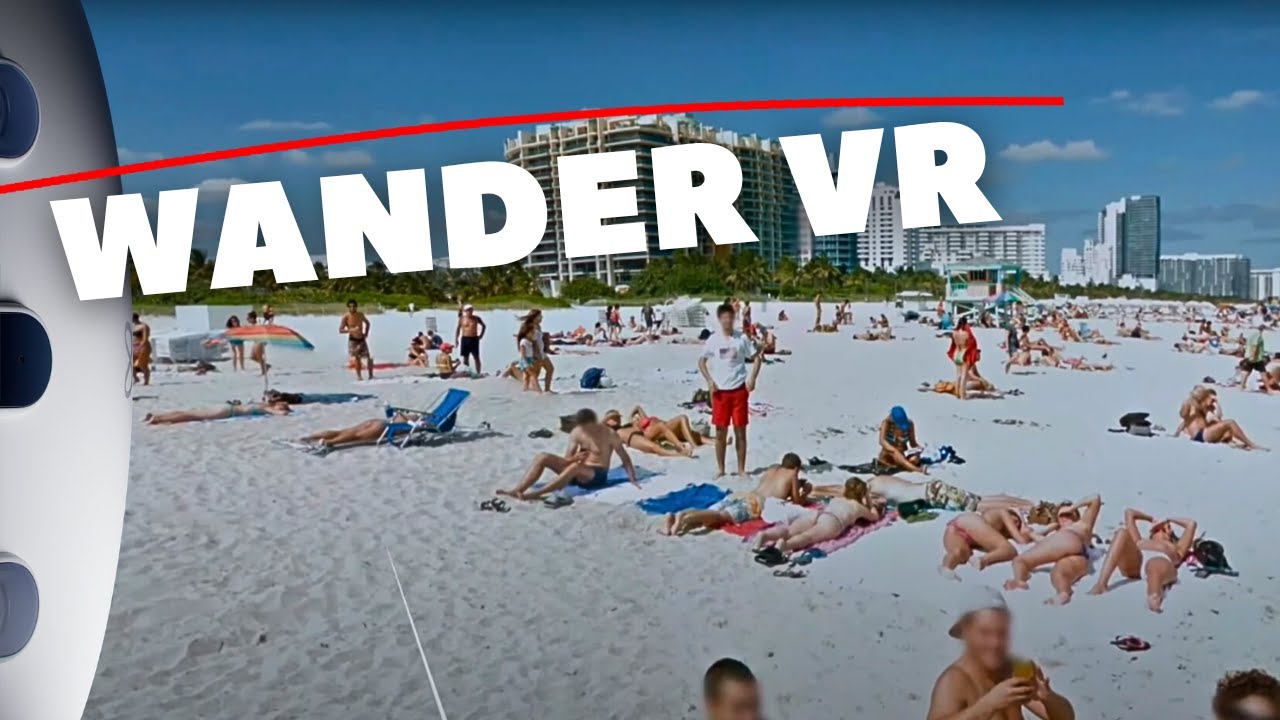
Developer: Parkline Interactive | Platform: Quest | Category: Exploration & Travel
Wander is Google Street View in VR, and it is one of those apps that sounds simple but becomes addictive immediately. Teleport anywhere on Earth and explore cities, landmarks, and remote locations in 360-degree street-level imagery. Visit the Colosseum in Rome, walk through Tokyo at night, or check out the street you grew up on. The multiplayer mode lets you explore together with friends, making it a surprisingly social experience. It is one of the most universally loved apps on Quest and a go-to demo for showing VR to non-gamers.
7. ShapesXR
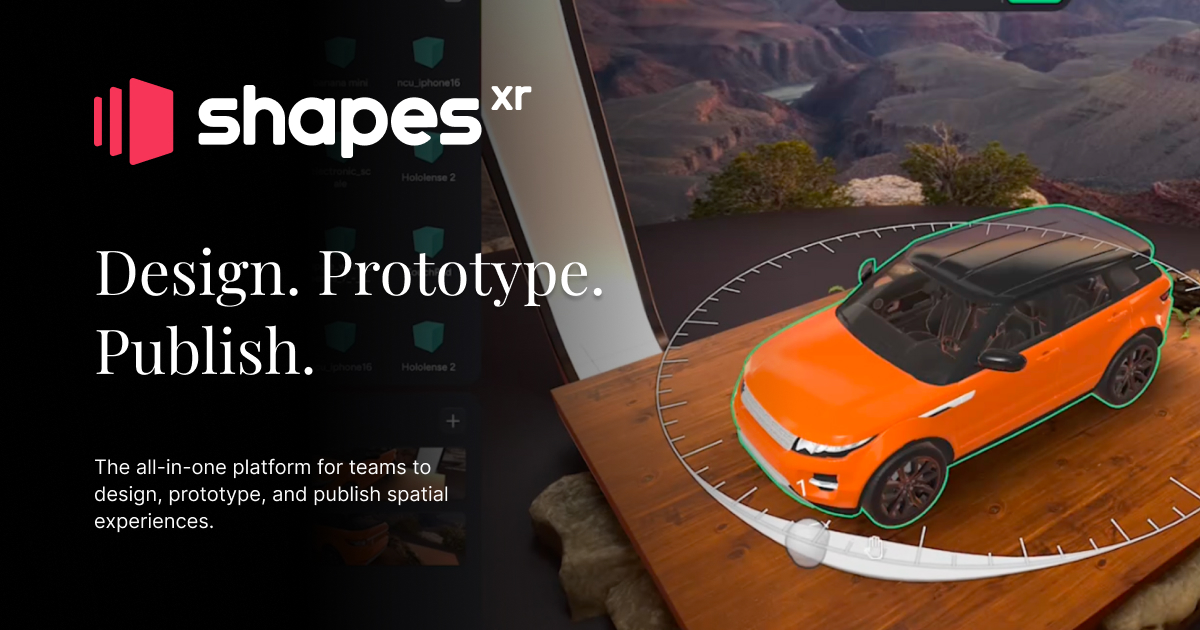
Developer: Shapes Corp. | Platform: Quest, Pico, Galaxy XR | Category: Design & Prototyping
ShapesXR is a spatial design and prototyping tool that lets teams build and review 3D experiences directly in VR. UX designers, architects, and XR developers use it to mock up room-scale interfaces, spatial layouts, and interactive prototypes without writing code. The collaborative features let remote teams work together in the same virtual space in real time. As spatial computing grows, tools like ShapesXR are becoming essential for anyone designing experiences that live in 3D space rather than on flat screens. It now runs on Pico and Samsung's Galaxy XR in addition to Quest, which makes it a cross-platform standard for spatial UX work.
8. FitXR

Developer: FitXR Ltd. | Platform: Quest | Category: Fitness & Health
FitXR offers structured workout classes in VR, including boxing, HIIT, dance, and combat fitness. New classes are added regularly, and the variety keeps workouts from getting stale. The boxing sessions in particular deliver a genuinely intense cardio workout. Calorie tracking, workout history, and class scheduling give it a gym-class structure that helps build consistency. For people who find traditional home workouts boring, VR fitness apps like FitXR make exercise feel more like a game than a chore, and the results are real. It costs $12.99 a month or $107.99 a year after a 7-day free trial.
9. Guided Meditation VR
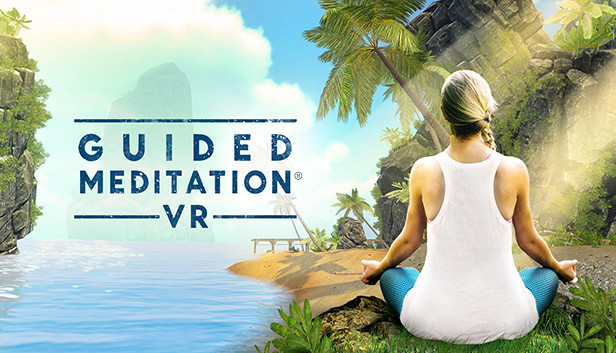
Developer: Cubicle Ninjas | Platform: Quest, PC VR | Category: Wellness & Meditation
Guided Meditation VR is a long-running mindfulness app with more than 30 hours of guided meditations set across 40-plus nature environments, from mountain temples to underwater reefs. The spatial audio and calming visuals make each setting feel convincingly real, and the mix of breathing exercises, body scans, and progressive relaxation covers everything from a two-minute reset to a long wind-down before sleep. VR is uniquely effective for meditation because it shuts out the visual distractions of your real environment. If you have ever struggled to focus during meditation, doing it in a headset might change your perspective.
10. Steam Link

Developer: Valve | Platform: Quest | Category: PC VR Streaming
Steam Link is Valve's own answer to Virtual Desktop, and it costs nothing. Install it on the headset, run SteamVR on your PC, and your Steam library streams over Wi-Fi with the SteamVR dashboard intact. It launched on Quest in November 2023. The newest trick is wired play: a public beta that went out in early September streams over a USB-C cable, though it still wants your Wi-Fi switched on. Virtual Desktop remains the more polished app. Steam Link is the one to try first, because it is free.
Honorable mentions
The biggest new arrival is Discord, which finally shipped an official native Quest app on July 1, free on the Horizon Store. The headline feature is pinning a voice call in your playspace while you play anything else, which ends years of phone-on-the-desk workarounds and makes it an instant install for anyone who games with friends. Tilt Brush / Open Brush remains one of the most joyful creative tools in VR, letting you paint in 3D space with glowing brushstrokes. Supernatural offers premium fitness classes with high production values and licensed music, though Meta's version, now the Legacy Edition, shuts down on December 3, 2026. The independent relaunch is due in Early Access soon, and the new company's FAQ says your points carry over on import, with streaks and Favorites following later this year (covered in our Best VR Fitness Apps 2026 guide). SideQuest is essential for Quest owners who want to access experimental and indie apps outside the official store, and it is rebuilding AltspaceVR for a relaunch this fall. Meta's own Threads app went native on Quest in August, with voice dictation so you can post without touching a floating keyboard. For Vision Pro owners, the visionOS app catalog has quietly grown past the point where you can spend a full work week inside the headset on real apps, and visionOS 27, released September 14, adds Siri AI in beta (English only, behind a waitlist in Settings), native Gaussian splat rendering, and an API for IR LED tracked accessories. That API is what turns Apple's spatial accessory spec into hardware third parties can actually ship. The assistants are moving into the operating system everywhere at once: Meta made Meta AI a system-level feature on Quest with the v2.6 update in July, and Gemini comes built into Android XR on Galaxy XR.